Asus Router Firmware Update Process: A Comprehensive Guide
Firmware updates for Asus routers are essential to ensure that your network hardware is running smoothly and securely. In this article, we will guide you through the Asus router firmware update process, highlighting the steps to update your firmware via the WebGUI or app, and providing troubleshooting tips to avoid failures, outages, and security problems.
Why Update Firmware?
Updating your Asus router's firmware is crucial to fix security vulnerabilities, improve performance, and add new features. New firmware versions usually include security patches, bug fixes, and compatibility updates that can enhance your overall network experience.
Preparation is Key
Before initiating the firmware update process, ensure that you:
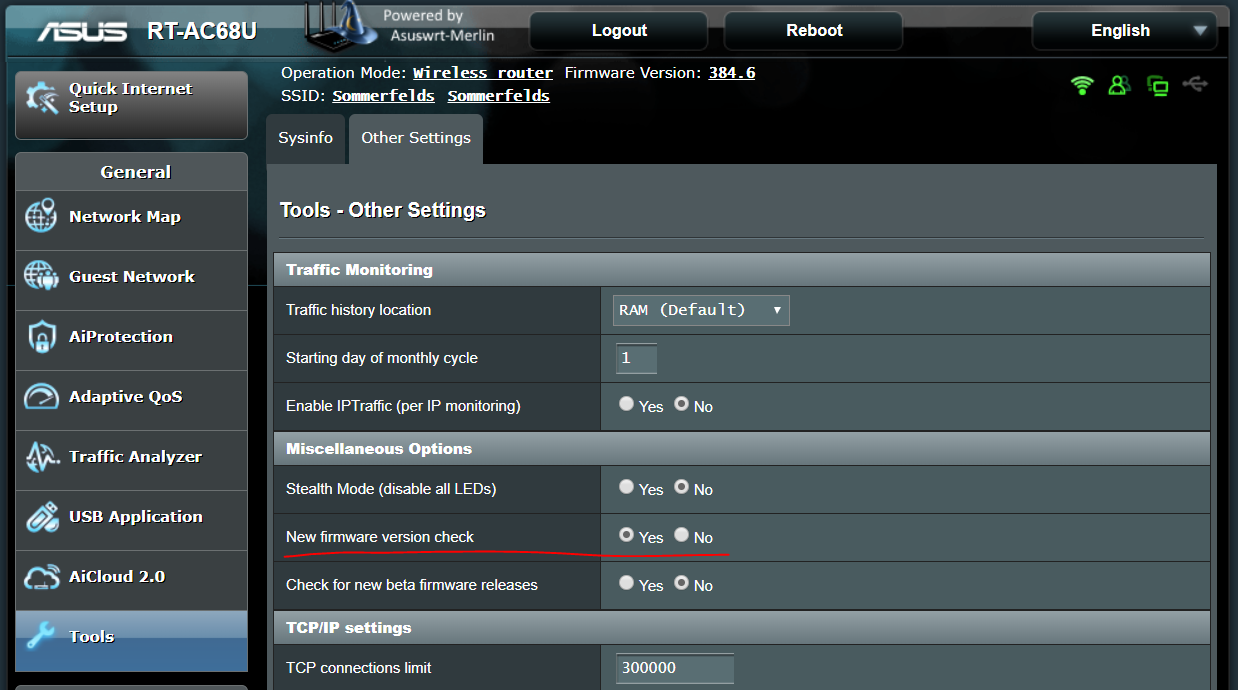
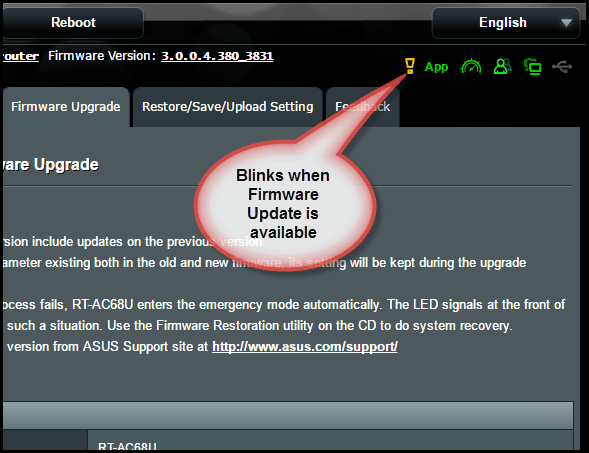
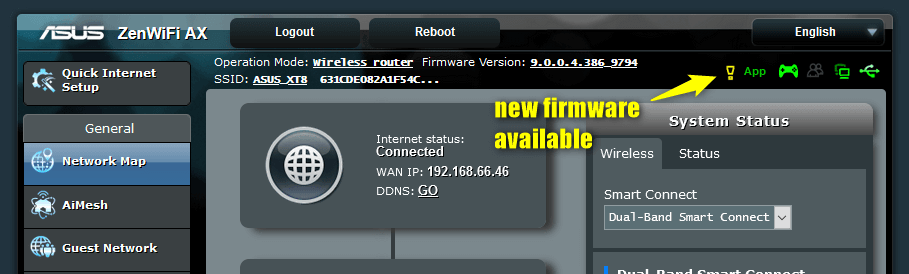
- Check for any pending updates for your router's firmware.
- Connect your device to the internet and ensure that your router is properly configured.
- Disable any antivirus software or firewall that may interfere with the update process.
- Set the automatic upgrade time to a period when you are not using the network.
Updating Firmware via WebGUI or App
There are two primary methods to update your Asus router's firmware:
Method 1: Updating via WebGUI
To update your firmware via the WebGUI:
- Access your router's WebGUI by typing the IP address in your web browser (usually 192.168.1.1).
- Navigate to the Administration > Firmware Upgrade section.
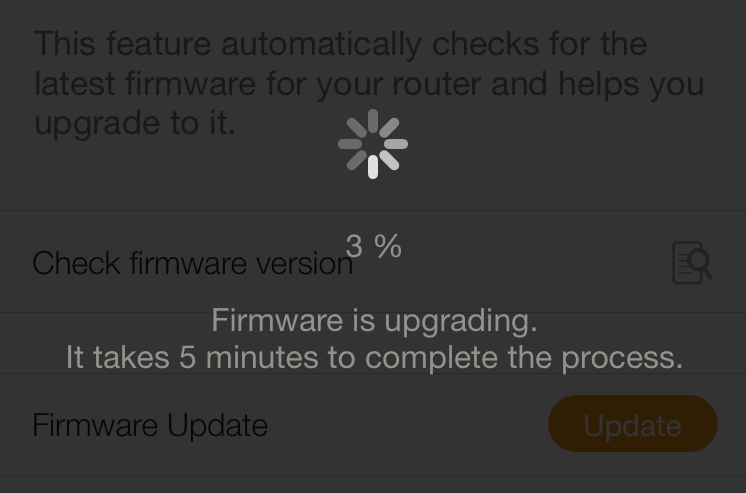
- Click on the "Check for updates" button and follow the on-screen instructions to download and install the latest firmware.

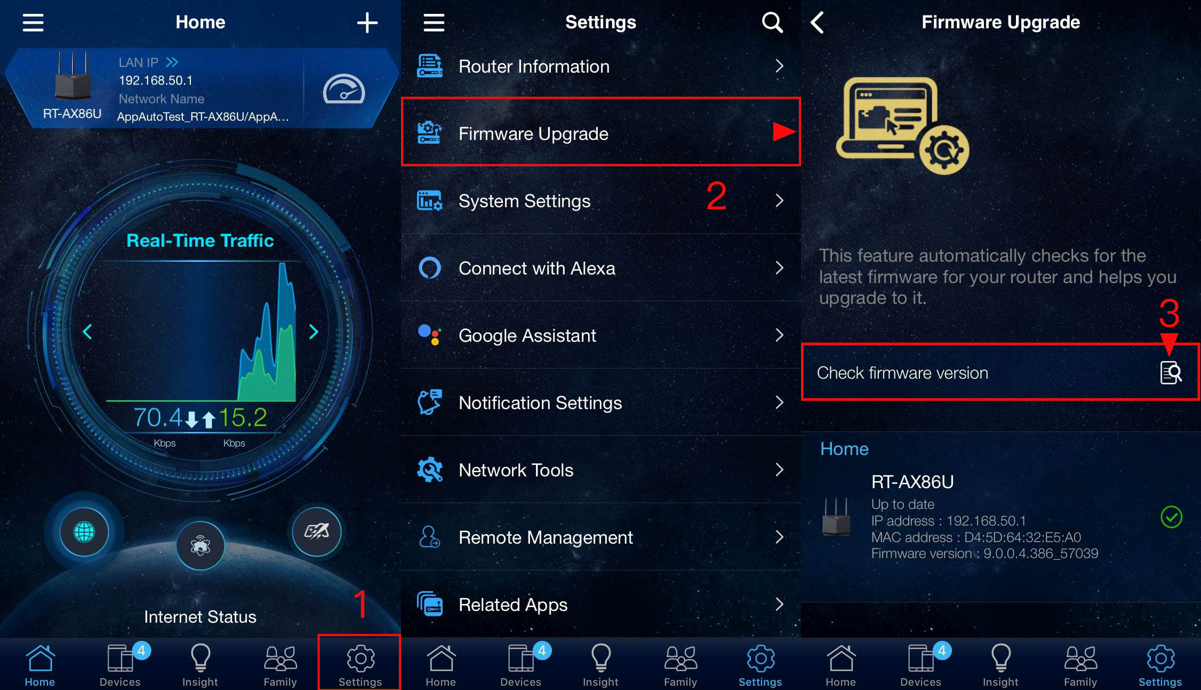
Method 2: Updating via App
To update your firmware via the Asus Router App:
- Download and install the Asus Router App on your mobile device.
- Open the app and navigate to the Firmware Upgrade section.
- Follow the on-screen instructions to download and install the latest firmware.
Troubleshooting Tips
In case you encounter any issues during the firmware update process, try the following:
- Restart your router and try again.
- Check for any conflicts with other network devices or software.
- Contact Asus support or seek help from online forums for further assistance.
Consequences of Failed Updates
Failing to update your firmware can lead to security vulnerabilities, network outages, and performance issues. To avoid these consequences, it is essential to stay up-to-date with the latest firmware versions for your Asus router.
Conclusion
Updating your Asus router's firmware is a critical maintenance task that ensures your network hardware is running smoothly and securely. By following the steps outlined in this article, you can update your firmware via the WebGUI or app, and troubleshoot any issues that may arise during the process. Remember to stay up-to-date with the latest firmware versions to enjoy the best possible network experience.
![[Wireless Router] How to update the firmware of your router to ... - ASUS](https://km-ap.asus.com/uploads/PhotoLibrarys/66aa29cd-c141-45f0-9576-77de29c4f347/20250425143112648_1.png "[Wireless Router] How to update the firmware of your router to ... - ASUS")



![[Wireless Router] How to update the firmware of your router to ... - ASUS](https://i.ytimg.com/vi/oa1f0x7U-Qs/maxresdefault.jpg "[Wireless Router] How to update the firmware of your router to ... - ASUS")