How to Set Up Google Wi-Fi in Your House: A Step-by-Step Guide
If you're looking for a reliable and strong Wi-Fi signal throughout your home, setting up Google Wi-Fi is a great option. With its simple mesh system, you can easily expand your Wi-Fi coverage to every room without any dropouts. However, setting up Google Wi-Fi can be a bit tricky if you're new to it. In this guide, we'll walk you through the process of setting up Google Wi-Fi in your house.Before You Start
Before you begin setting up your Google Wi-Fi system, make sure you have the following: * A Google Wi-Fi router * A Google Home app on your smartphone or tablet * Your Wi-Fi network name and passwordStep 1: Unboxing and Powering On
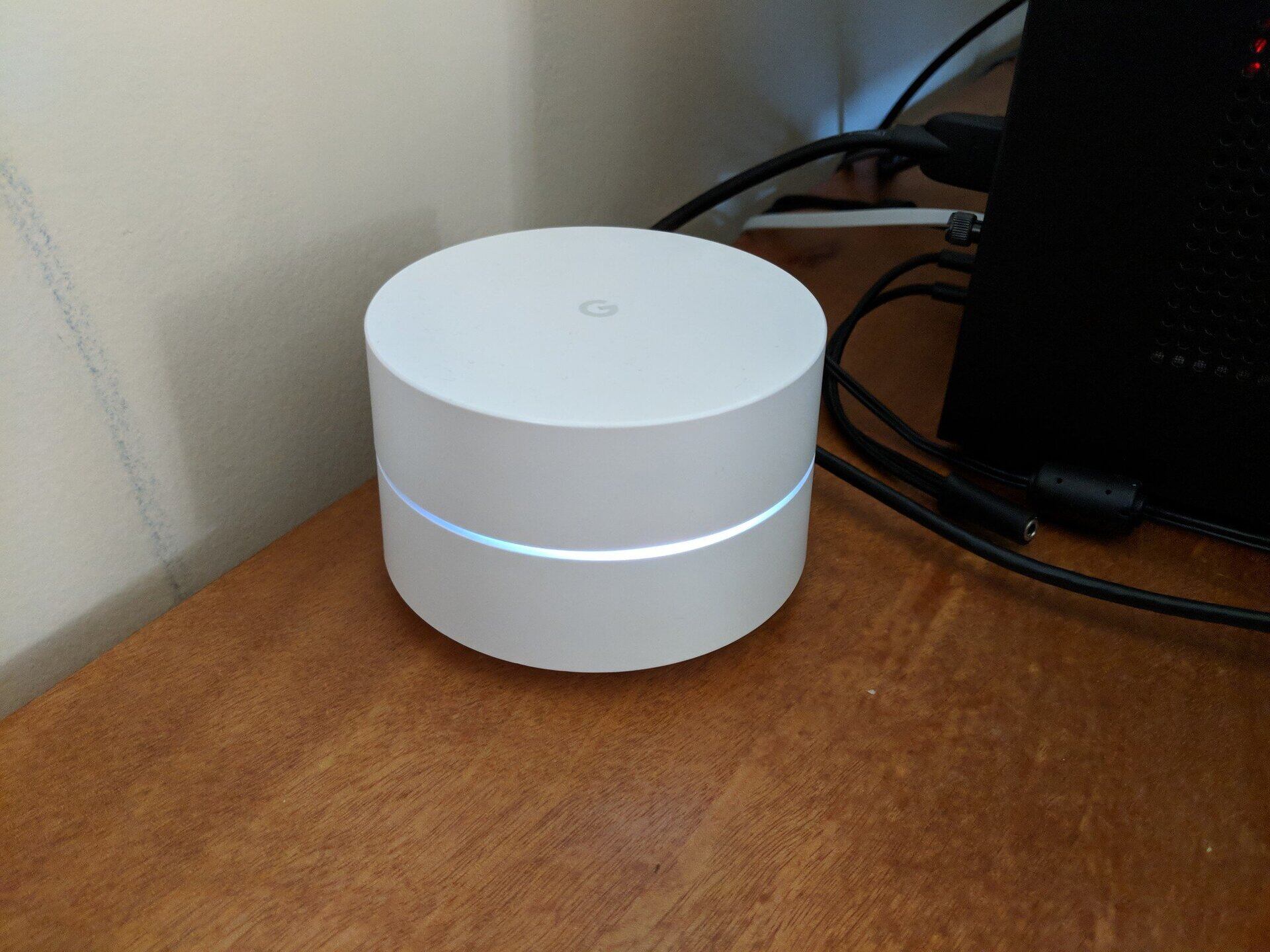
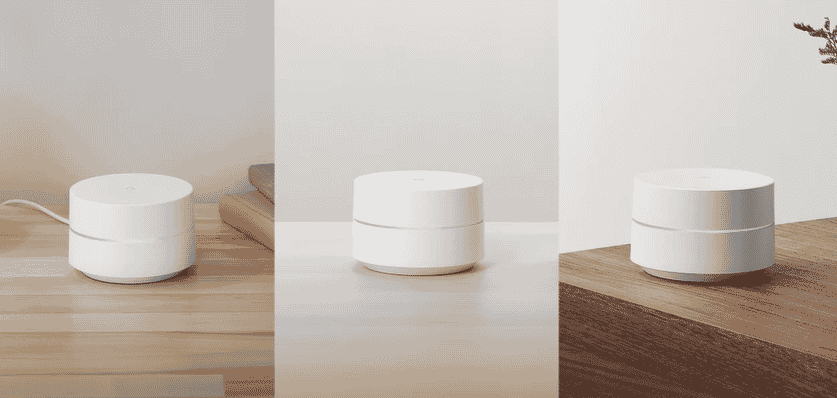
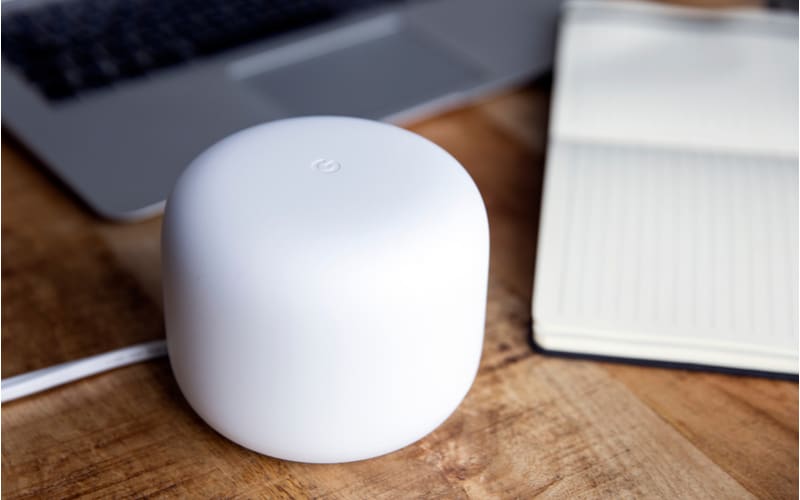
First, unbox your Google Wi-Fi router and plug it in. The LED light on the front of the router will start glowing, indicating that it's powered on.Step 2: Download and Install the Google Home App
Next, download and install the Google Home app on your smartphone or tablet. Open the app and sign in with your Google account.Step 3: Set Up Your Google Wi-Fi Router