Mastering WordPress Small Business SEO: A Comprehensive Guide
In today's digital age, a robust online presence is a linchpin of business success, particularly for small businesses aiming to expand their reach. WordPress, being one of the most popular content management systems, offers a plethora of SEO advantages that can significantly enhance your site's visibility. In this post, we'll dive into essential WordPress SEO tips to help your small business website climb the ranks in search engine results pages (SERPs).
Understanding WordPress Small Business SEO
WordPress Small Business SEO involves optimizing your website to rank higher in search engine results pages (SERPs) and drive more traffic to your site. This involves using relevant keywords, creating high-quality content, and structuring your website in a way that search engines can easily crawl and index.
Key Benefits of WordPress for Small Business SEO
WordPress offers several benefits for small business SEO, including:
- Clean code and SEO-friendly structure
- Extensive library of SEO plugins and themes
- Multilingual support for global businesses
- Flexibility to customize and extend functionality
Essential WordPress SEO Tips for Small Businesses
To boost your WordPress site's visibility and rank higher in search engine results pages (SERPs), follow these essential SEO tips:
- Keyword Research: Conduct thorough keyword research to identify relevant terms and phrases that your target audience is searching for.
- Content Creation: Create high-quality, engaging, and informative content that addresses the needs and concerns of your target audience.
- On-Page Optimization: Optimize your website's title tags, meta descriptions, header tags, and internal linking to improve crawlability and indexing.
- Technical SEO: Ensure your website is mobile-friendly, has fast page loading speeds, and uses SSL encryption to improve user experience and search engine rankings.
- Local SEO: If you have a physical location, optimize your website for local search by including your business's name, address, and phone number (NAP) consistently across the web, and creating content that targets local search intent.
Choosing the Right WordPress SEO Plugins
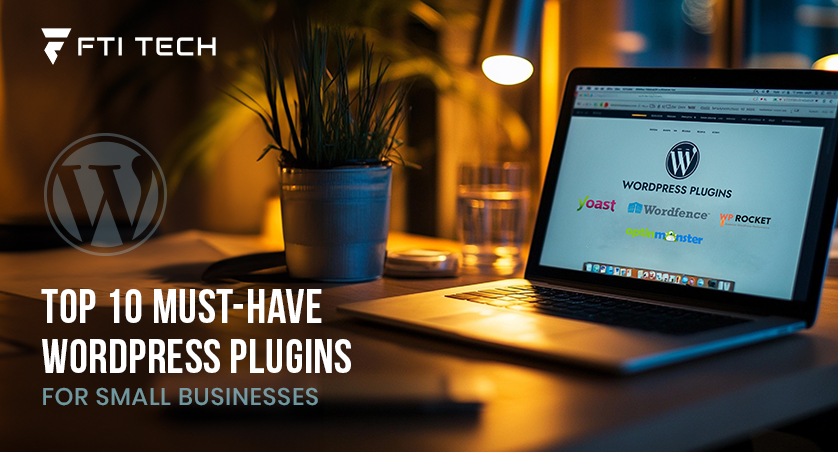
With numerous WordPress SEO plugins available, choosing the right one can be overwhelming. Here are some popular options:
- Yoast SEO: A comprehensive SEO plugin that offers advanced features like keyword research, content analysis, and internal linking.
- Rank Math: A user-friendly SEO plugin that offers features like keyword research, content optimization, and link building.
- AIOSEO: An all-in-one SEO plugin that offers features like keyword research, content optimization, and technical SEO audit.
Conclusion
Mastering WordPress Small Business SEO requires a combination of keyword research, high-quality content creation, on-page optimization, technical SEO, and local SEO. By following these essential tips and choosing the right WordPress SEO plugins, you can improve your website's visibility, drive more traffic, and increase conversions. Remember, SEO is a long-term strategy that requires ongoing effort and optimization to achieve sustained success.
Additional Resources
If you're looking for more information on WordPress Small Business SEO, check out the following resources:
- Ultimate Guide to WordPress Setup and SEO for Small Businesses: A comprehensive guide that covers setting up your WordPress site and optimizing it for SEO.
- WordPress SEO Plugins and Tools: A list of recommended WordPress SEO plugins and tools to help you boost your site's usability and search rankings.
- Local SEO for WordPress: A guide that covers how to optimize your WordPress site for local search and attract nearby customers.