Router Access Point Setup For Enterprise Networking: A Comprehensive Guide
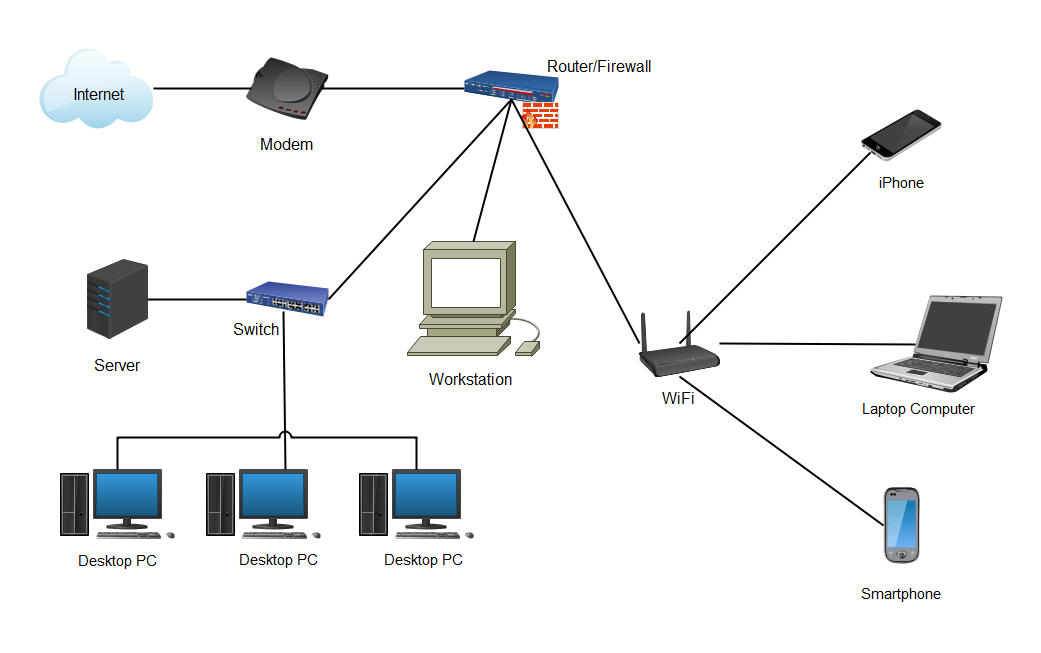
Whether setting up Wi-Fi for a large school campus, a local or state government building, or a multi-office enterprise, reliable and secure wireless access is essential for maintaining smooth operations. That's where wireless access points (WAPs) come in. The setup of a wireless access point is crucial in ensuring uninterrupted connectivity for your entire workplace. In this guide, we'll take you through the step-by-step process of setting up a Router Access Point for Enterprise Networking.
Step-by-Step Guide to Installing Business WiFi
Whether you're installing internet in a brand-new office or upgrading your existing setup, a reliable WiFi network is essential to keeping your team connected and your business running smoothly. But business WiFi isn't just about plugging in a router. It requires the right equipment, proper planning, and strategic placement to provide strong and secure connectivity throughout your enterprise network. Here are some of the key steps involved:
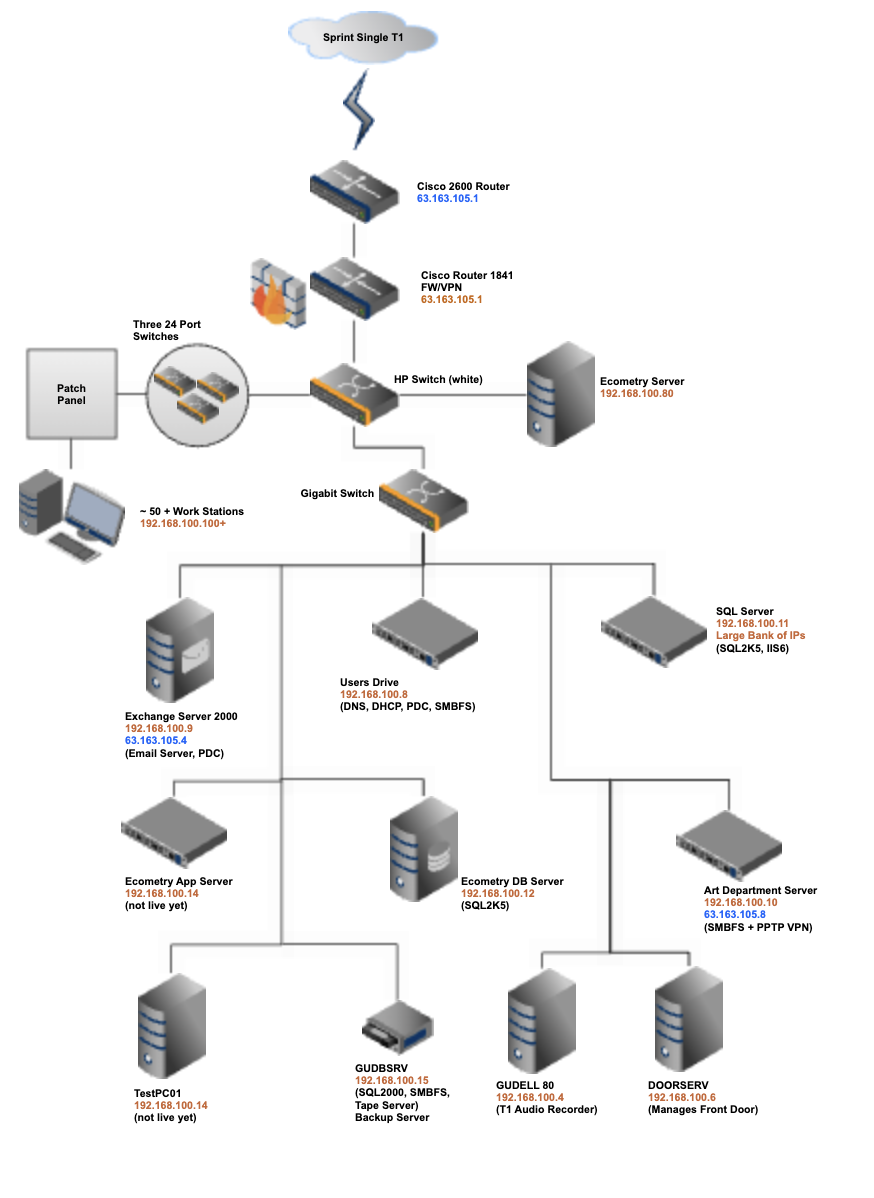
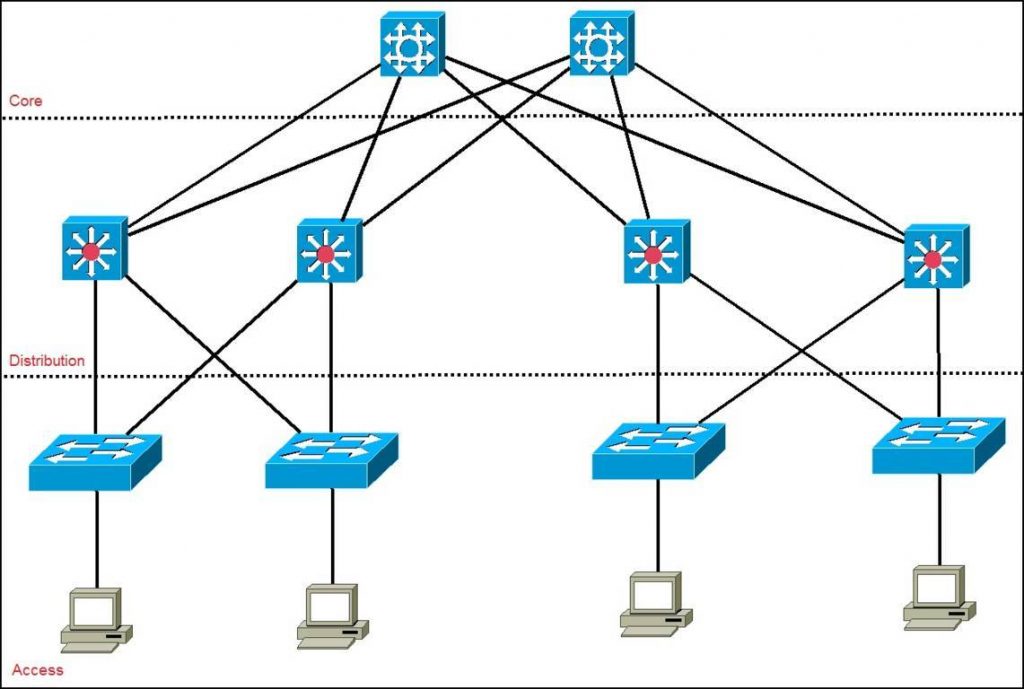
- Plan the network design and topology.
- Choose the right hardware, including access points, routers, and switches.
- Configure the network settings, including IP addressing, VLANs, and Quality of Service (QoS).
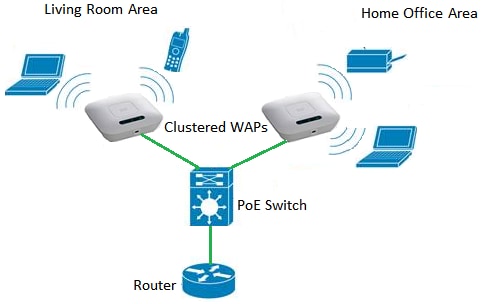
- Set up wireless access points and configure them to connect to the network.
- Test and fine-tune the network for optimal performance.
Best Practices for Wireless Access Point Setup
When setting up wireless access points for your enterprise network, there are several best practices to keep in mind:
- Conduct a thorough site survey to determine the optimal placement of access points.
- Choose access points with high-gain antennas and advanced features like beamforming and channel bonding.
- Use a wireless LAN controller (WLC) to manage and configure the access points.
- Implement robust security protocols, including WPA2 or WPA3 encryption and 802.1X authentication.
- Regularly monitor and maintain the network to ensure optimal performance.
Hardware Options for Enterprise Networking
When selecting hardware for your enterprise network, there are several options to consider:
- Wireless access points: Choose high-quality access points with advanced features like beamforming and channel bonding.
- Routers: Consider enterprise-grade routers with high-performance switching and advanced security features.
- Switches: Choose high-density switches with advanced features like VLANs and QoS.
- Software: Consider investing in a wireless LAN controller (WLC) to manage and configure the access points.
Wireless WAN and Private Cellular Solutions
Wireless WAN and private cellular solutions use 5G and LTE to enable the freedom to connect your enterprise - anywhere. These solutions provide high-performance connectivity for mission-critical applications, such as IoT and edge computing. When selecting a wireless WAN or private cellular solution, consider the following factors:
- Coverage and capacity.
- Security and encryption.
- Scalability and manageability.
- Integration with existing network infrastructure.

Conclusion
Setting up a reliable and secure wireless access point is critical to ensuring uninterrupted connectivity for your enterprise network. By following the steps outlined in this guide and considering the best practices and hardware options, you can create a robust and scalable wireless network that meets the needs of your business. Remember to regularly monitor and maintain the network to ensure optimal performance and effectiveness.
Whether you're a small business or a large enterprise, a well-designed wireless network is essential for success in today's fast-paced business environment. With the right hardware and software, you can create a reliable and secure wireless network that meets the needs of your business and your users.
References