Smart Thermostat Installation for Existing Homes: A Comprehensive Guide
Are you looking to upgrade your home's energy efficiency and comfort with a smart thermostat? Installing a smart thermostat can be a straightforward process if you follow the right steps. In this article, we'll walk you through the process of installing a smart thermostat in your existing home, covering the essential tools, wiring, and troubleshooting tips you'll need to get started.
Choosing the Right Smart Thermostat
Before you start the installation process, it's essential to choose the right smart thermostat for your home. With so many options available, deciding which one to choose can be overwhelming. When selecting a smart thermostat, consider the following factors:
- Compatibility with your existing HVAC system
- Temperature range and precision
- Remote access and scheduling features
- Energy savings potential
- Integration with your smart home ecosystem
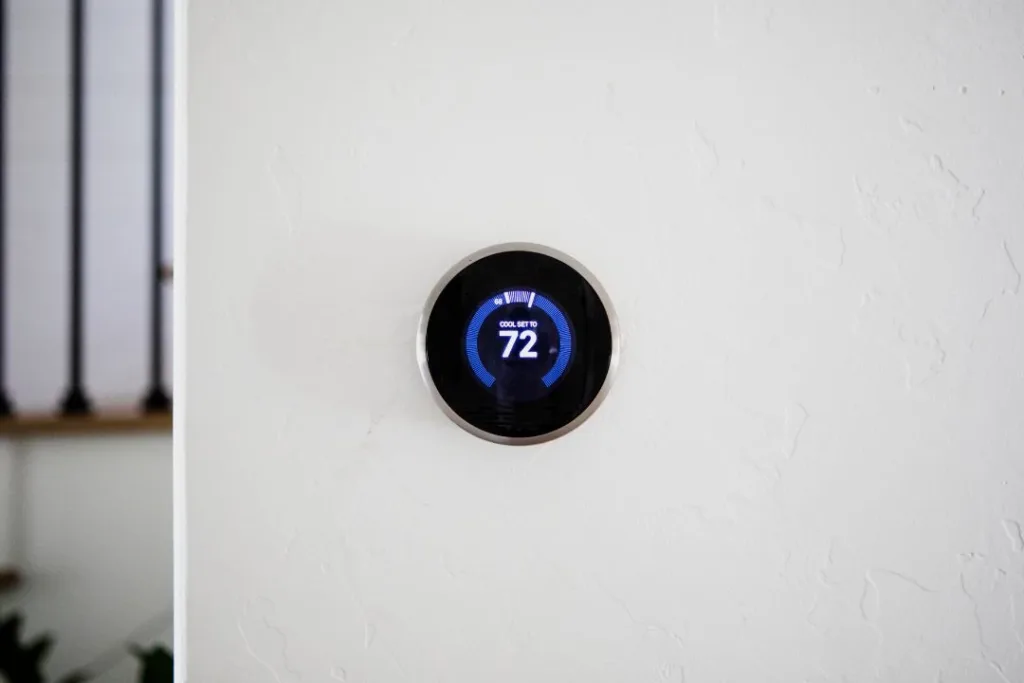
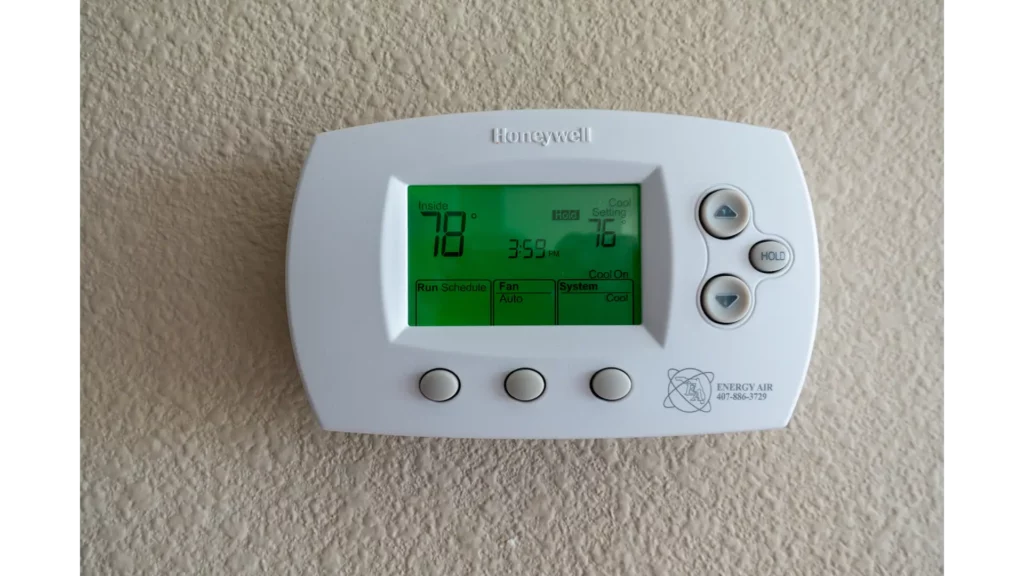
Some popular smart thermostat options include the Nest, Ecobee, and Honeywell T9. Each of these thermostats has its unique features, so be sure to research and compare them before making a decision.
Tools and Materials Needed
Before starting the installation process, you'll need the following tools and materials:
- Screwdriver (both flathead and Phillips)
- Wire strippers
- Thermometer (optional)
- Wire nuts or connectors
- Smart thermostat device
- Mounting bracket (if required)
Make sure to check your smart thermostat's documentation for specific installation requirements and recommendations.
Step-by-Step Installation Guide
Here's a step-by-step guide to help you install your smart thermostat:
- Turn off the power to your HVAC system: Switch off the power to your heating and cooling system at the circuit breaker or fuse box.
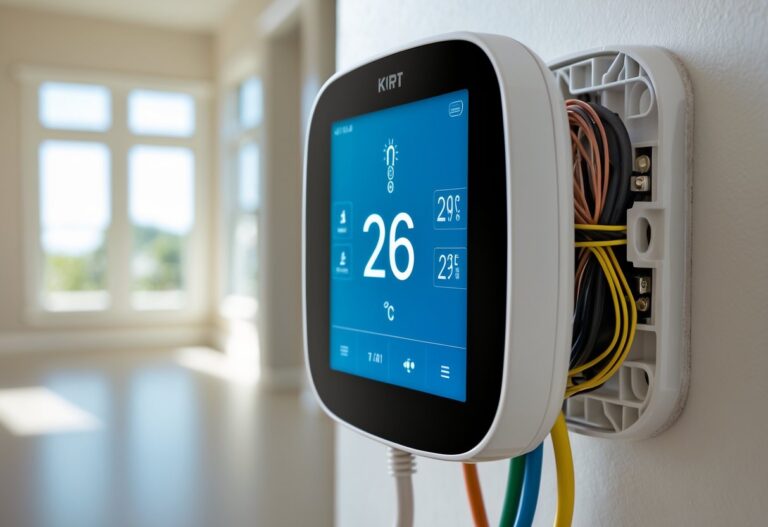
- Remove the existing thermostat: Carefully take out the old thermostat, taking note of the wire connections and any mounting brackets.
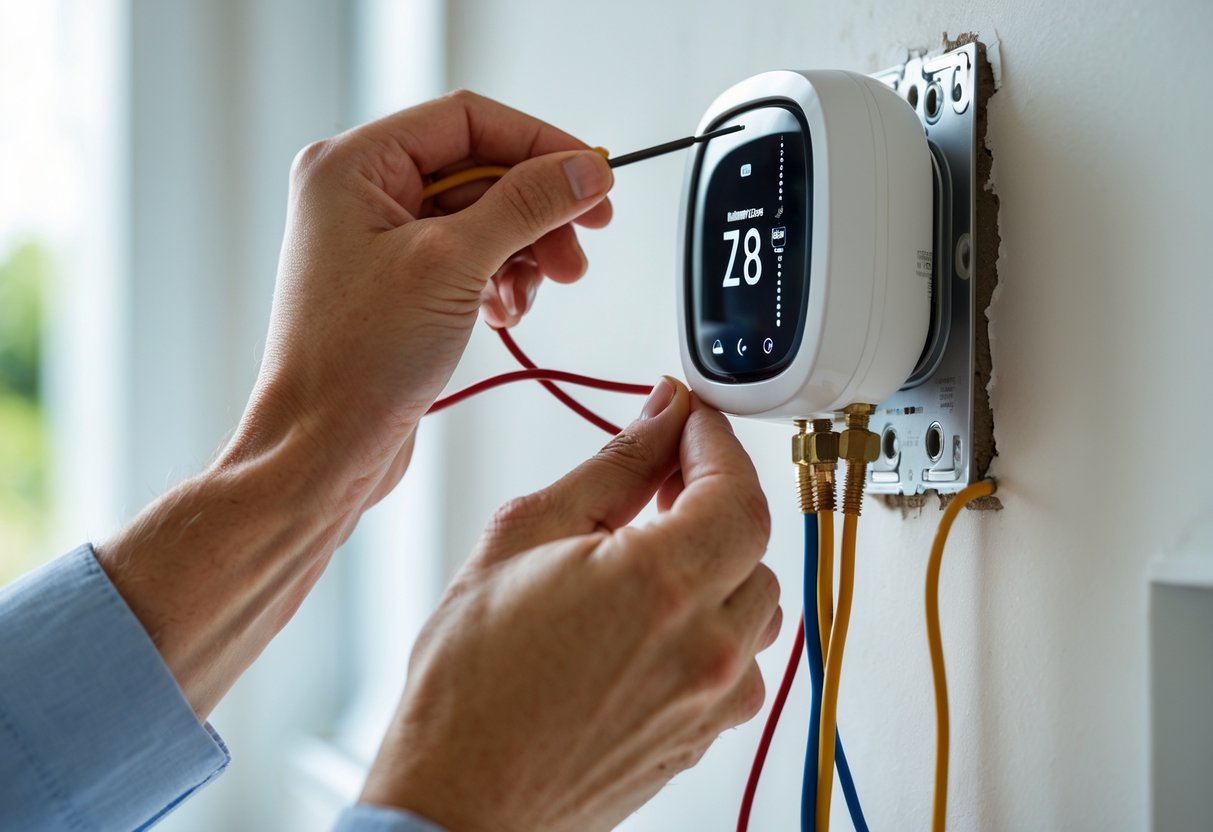
- Connect the wires: Connect the wires to the new smart thermostat, following the manufacturer's instructions and ensuring proper wire connections.
- Mount the new thermostat: Install the mounting bracket (if required) and secure the smart thermostat to the wall.
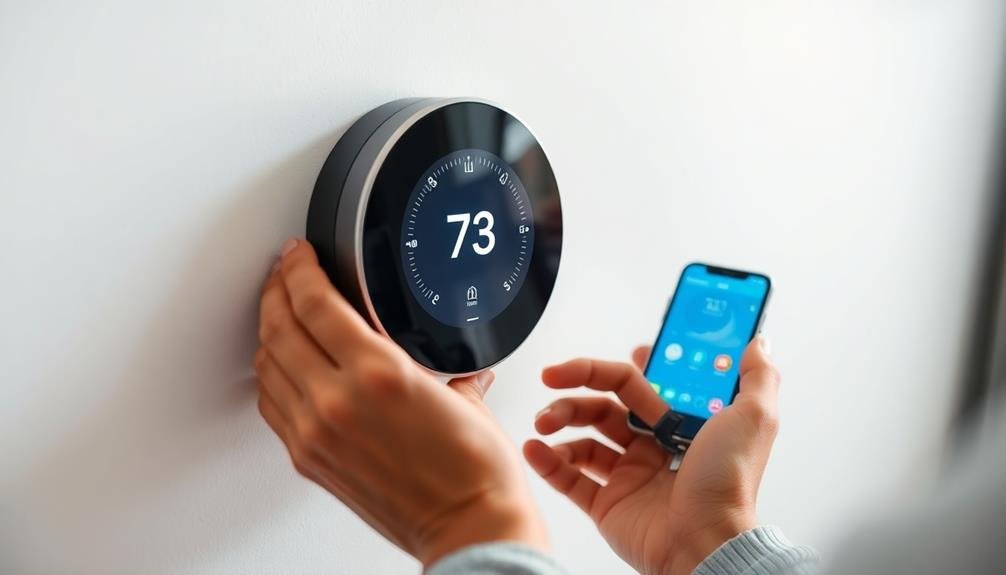
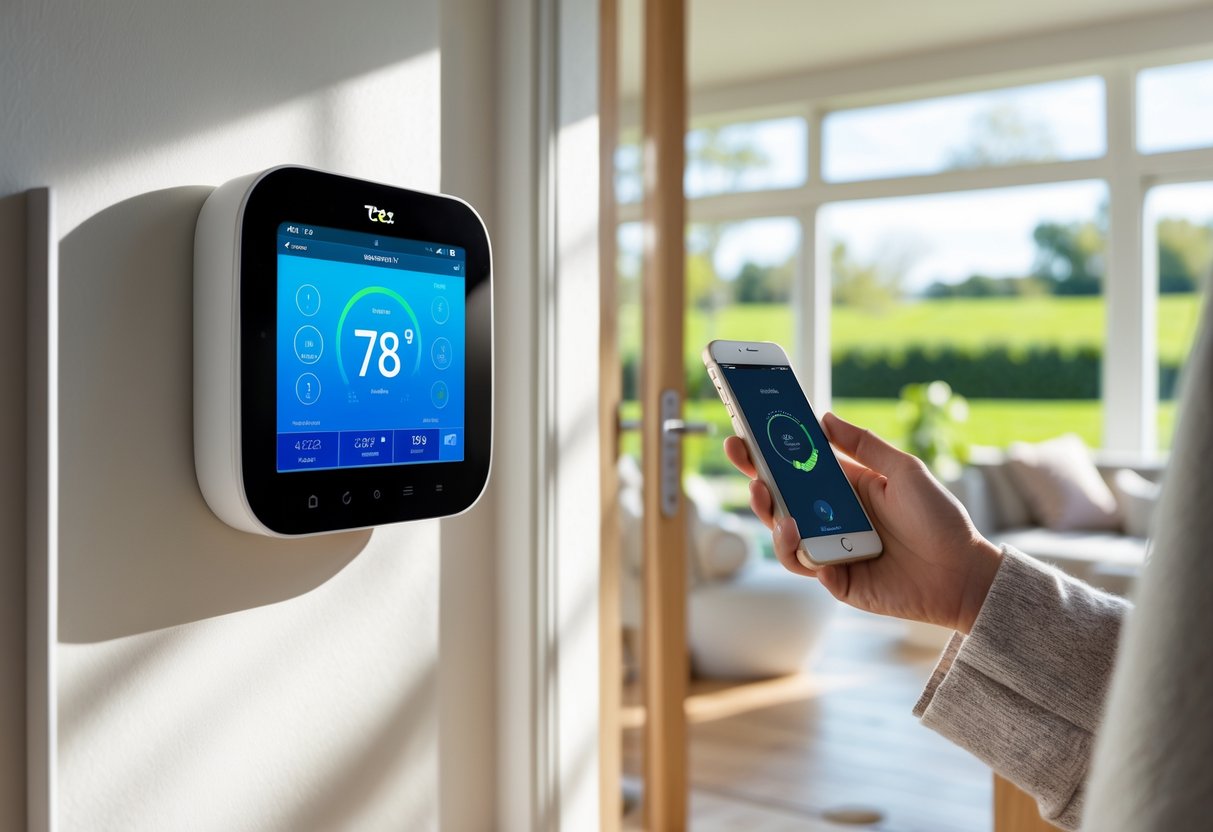
- Connect to Wi-Fi or Bluetooth: Connect your smart thermostat to your home's Wi-Fi network or Bluetooth device.
- Configure and pair devices: Follow the manufacturer's instructions to configure and pair your smart thermostat with other devices in your home.
- Test the system: Turn on the power to your HVAC system and test the smart thermostat to ensure it's working properly.
Troubleshooting Tips
While smart thermostat installation is generally straightforward, you may encounter some issues along the way. Here are some common troubleshooting tips to help you resolve any problems:
- Check the wire connections and ensure they're secure.
- Verify that the smart thermostat is properly mounted and leveled.
- Make sure the smart thermostat is compatible with your existing HVAC system.
- Check the Wi-Fi or Bluetooth connection and ensure it's stable.
- Consult the manufacturer's documentation and contact their support team if you're still experiencing issues.
Benefits of Smart Thermostat Installation
Installing a smart thermostat can bring numerous benefits to your home, including:
- Improved energy efficiency
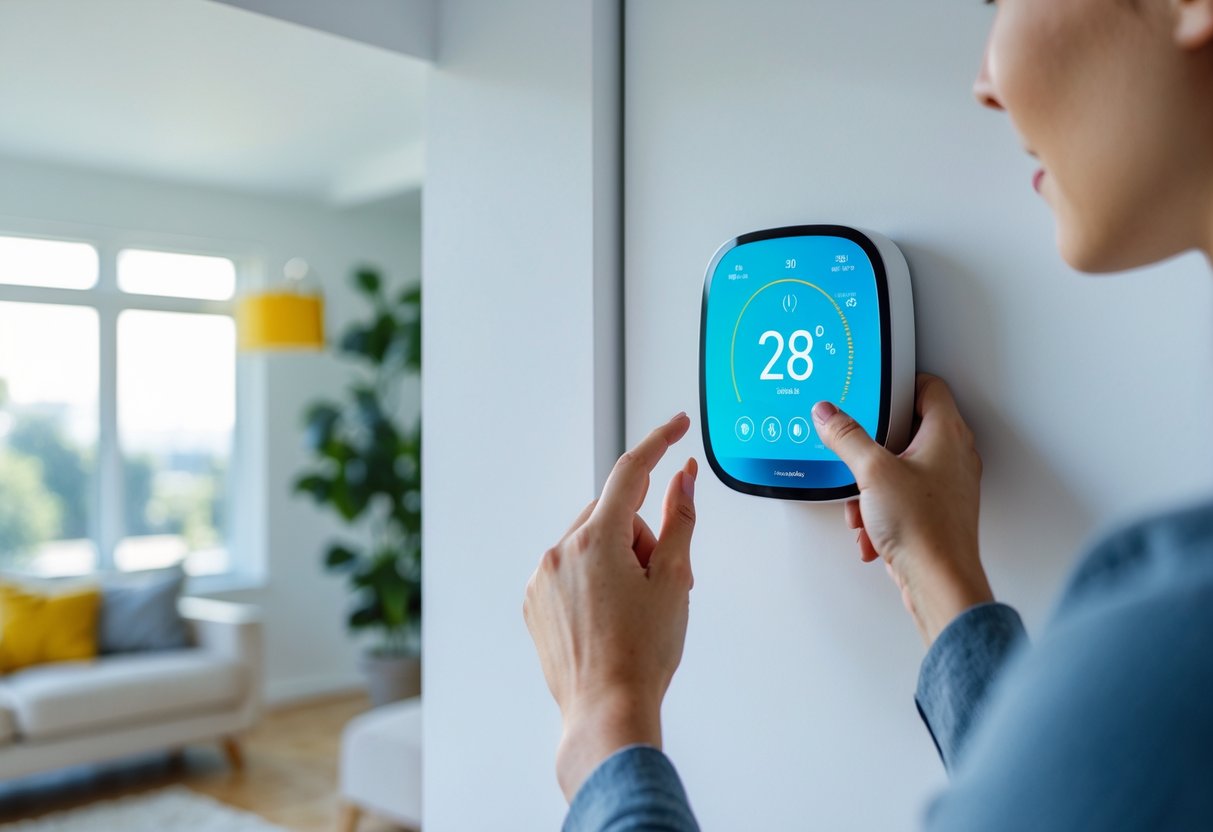
- Enhanced comfort and convenience
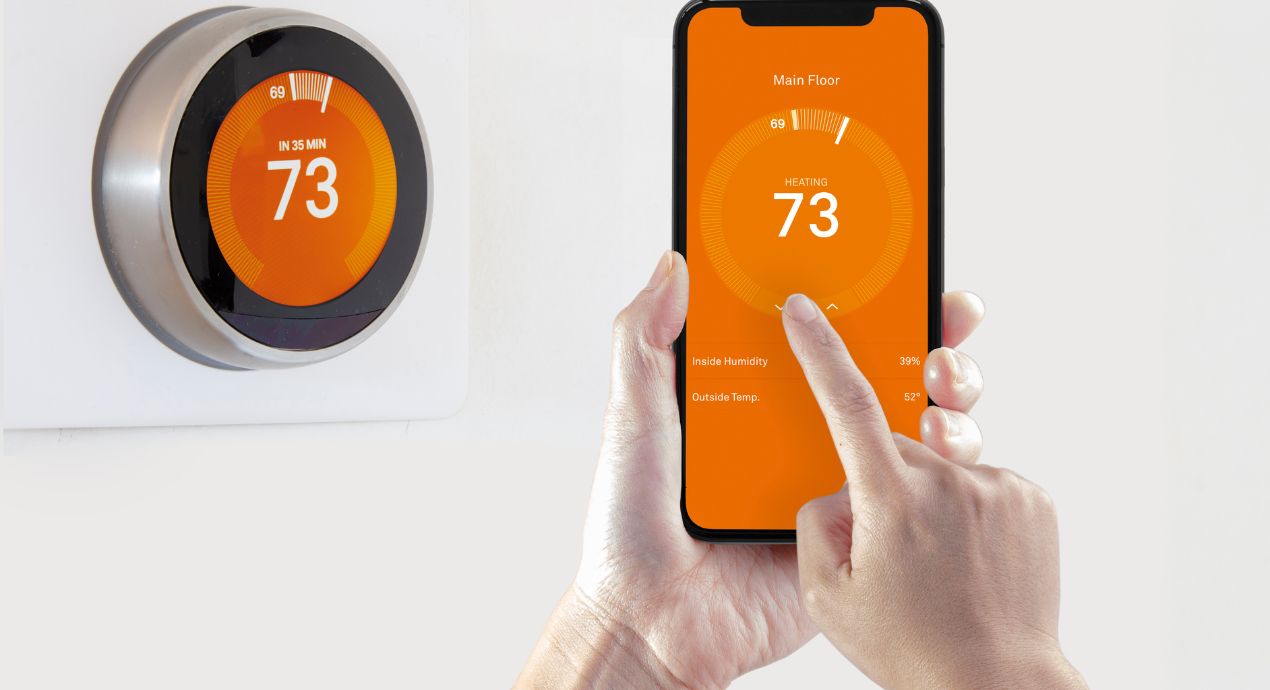
- Remote access and scheduling capabilities
- Energy savings potential
- Integration with your smart home ecosystem
By following this guide and choosing the right smart thermostat for your home, you can enjoy the benefits of improved energy efficiency, comfort, and convenience.
Conclusion
Installing a smart thermostat in your existing home can be a straightforward process if you follow the right steps. By choosing the right device for your home, ensuring proper installation, and troubleshooting any issues that may arise, you can enjoy the benefits of improved energy efficiency, comfort, and convenience. Remember to consult the manufacturer's documentation and contact their support team if you're still experiencing issues.
Additional Resources
For more information on smart thermostat installation and maintenance, check out the following resources:
- Nest Smart Thermostat Guide
- Ecobee Smart Thermostat Guide
- Honeywell T9 Smart Thermostat Guide
- Smart Home Automation Hub Guide
By following this guide and staying informed, you can enjoy the benefits of smart thermostat installation in your home.