Configuring a G Wireless Network for a Large Office Space: A Comprehensive Guide
Configuring a G wireless network for a large office space requires careful planning, the right equipment, and a thorough understanding of wireless networking principles. In this article, we'll provide a step-by-step guide on how to set up a reliable and secure wireless network that meets the needs of your business.
Understanding Wireless Networking Principles
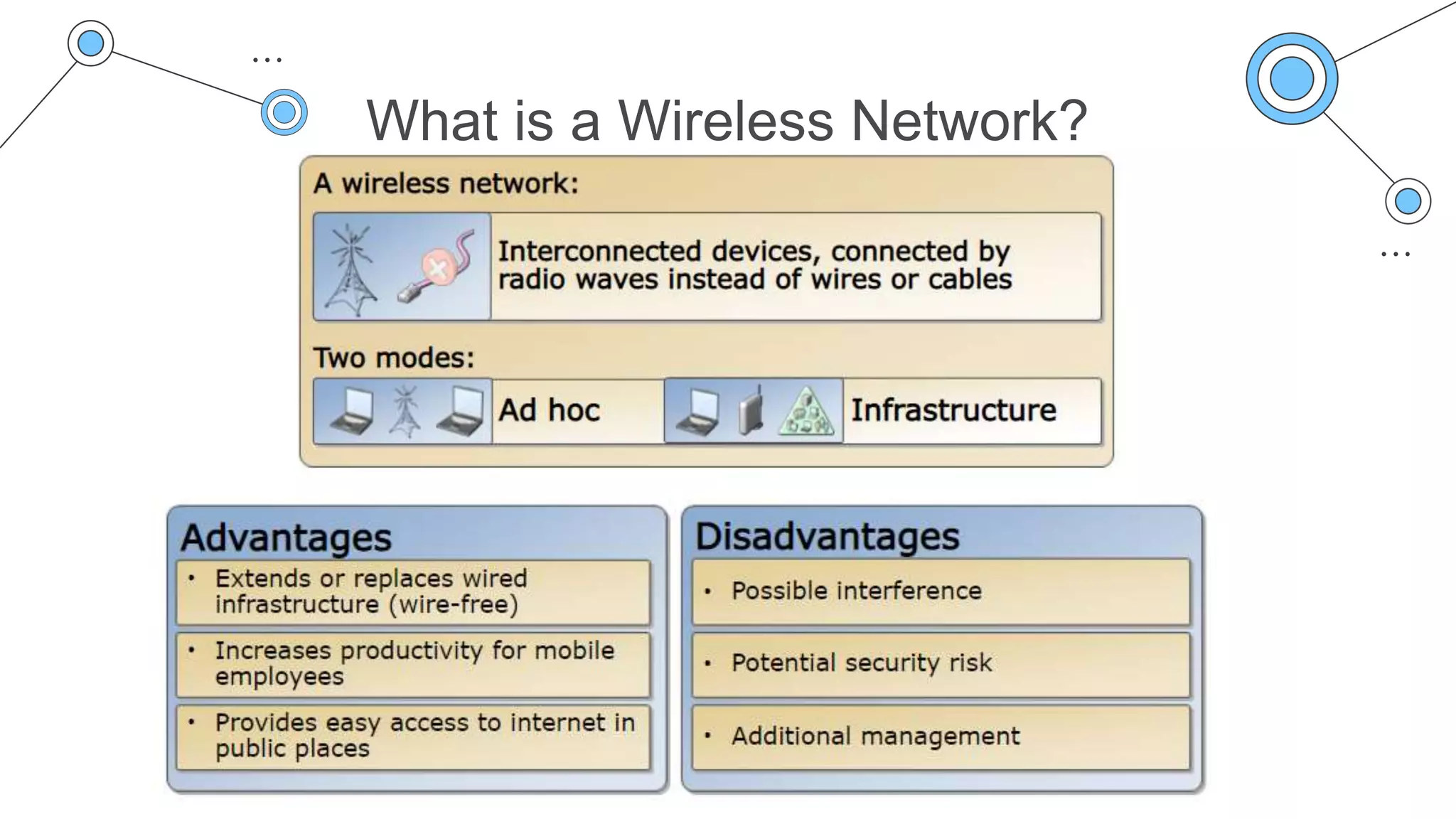
Before we dive into the configuration process, let's quickly review some key wireless networking principles. A wireless network operates on a specific frequency band, and the 802.11g standard operates on the 2.4 GHz frequency band. To avoid communication issues, it's essential to configure your wireless access points (APs) on non-overlapping channels. The recommended non-overlapping channels for 802.11g are 1, 6, and 11.
Conducting a Site Survey
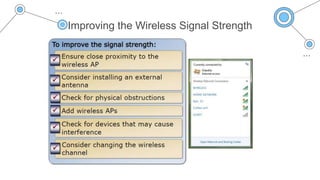
The first step in configuring a wireless network for a large office space is to conduct a site survey. A site survey involves assessing your office space to determine the optimal number, placement, and configuration of access points for your wireless network. This step is crucial in identifying potential sources of interference and ensuring that your wireless network provides adequate coverage and signal strength.
Choosing the Right Equipment
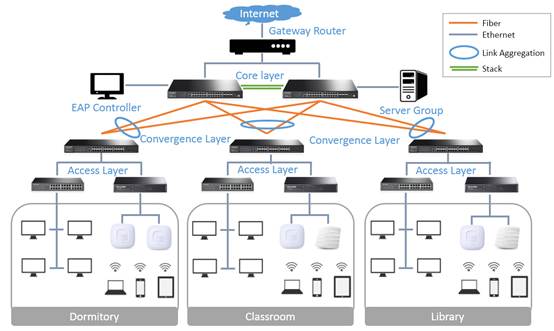
When choosing the right equipment for your wireless network, consider the following factors: range, capacity, and security. You'll need to select wireless APs that can cover the entire office space, support a large number of devices, and provide robust security features. Additionally, consider investing in a wireless network controller to manage multiple access points in one place.
Configuring the Wireless Network
Once you have your equipment, it's time to configure your wireless network. Here are the steps to follow:
- Set up the wireless network controller (if using)
- Configure the wireless APs on non-overlapping channels (1, 6, and 11 for 802.11g)
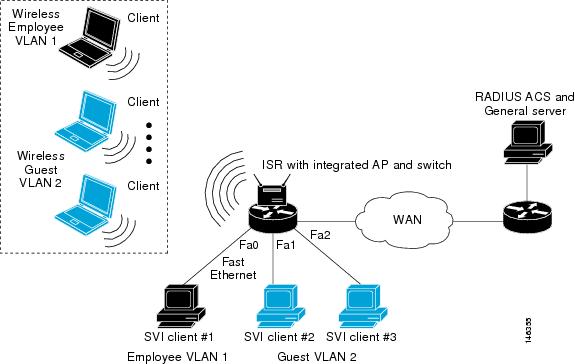
- Set up the wireless network's SSID (network name) and password
- Configure the wireless network's encryption settings (WPA2-PSK recommended)
- Test the wireless network to ensure it's working properly and providing adequate coverage and signal strength

Tips and Best Practices
Here are some additional tips and best practices to keep in mind when configuring a wireless network for a large office space:
- Use a single SSID for the entire wireless network to simplify management and reduce interference
- Use WPA2-PSK encryption to ensure robust security and prevent unauthorized access
- Regularly update your wireless network's firmware and software to ensure you have the latest security patches and features
- Monitor your wireless network's performance and adjust the configuration as needed to ensure optimal performance
Conclusion
Configuring a G wireless network for a large office space requires careful planning, the right equipment, and a thorough understanding of wireless networking principles. By following the steps outlined in this article and keeping the tips and best practices in mind, you can set up a reliable and secure wireless network that meets the needs of your business.
Additional Resources
If you're new to wireless networking or need additional guidance, consider consulting the following resources:
- IEEE 802.11g standard
- Wireless network controller documentation
- Wireless AP documentation
- Wireless networking communities and forums
Conclusion
In conclusion, configuring a G wireless network for a large office space is a complex task that requires careful planning and attention to detail. By following the steps outlined in this article and keeping the tips and best practices in mind, you can set up a reliable and secure wireless network that meets the needs of your business. Remember to stay up-to-date with the latest wireless networking technologies and best practices to ensure your network remains secure and performing optimally.