How to Troubleshoot a Smart Ring: A Systematic Approach
Whether you're using a sleek and stylish smart ring or a high-tech fitness tracker, there's nothing more frustrating than when it stops working as expected. A device that's supposed to enhance and connect your life can quickly become a source of stress and inconvenience. In this comprehensive guide, we'll walk you through a step-by-step troubleshooting process to help you identify and resolve issues with your smart ring, so you can get back to enjoying the benefits it offers.
Before We Begin: Understanding the Top 5 Smart Ring Issues
TheSmartRingTroubleshooting Checklist is divided into five common issues that users often encounter:
- Connection problems: Your smart ring isn't connecting to your smartphone or keeps disconnecting during crucial tracking periods.
- Hardware issues: Your device is unresponsive, stuck, or showing unusual behavior.
- App-related problems: The Ring app is frozen, crashed, or not syncing with your device.
- Power-related issues: Your ring won't charge, the battery drains quickly, or it's not turning on.
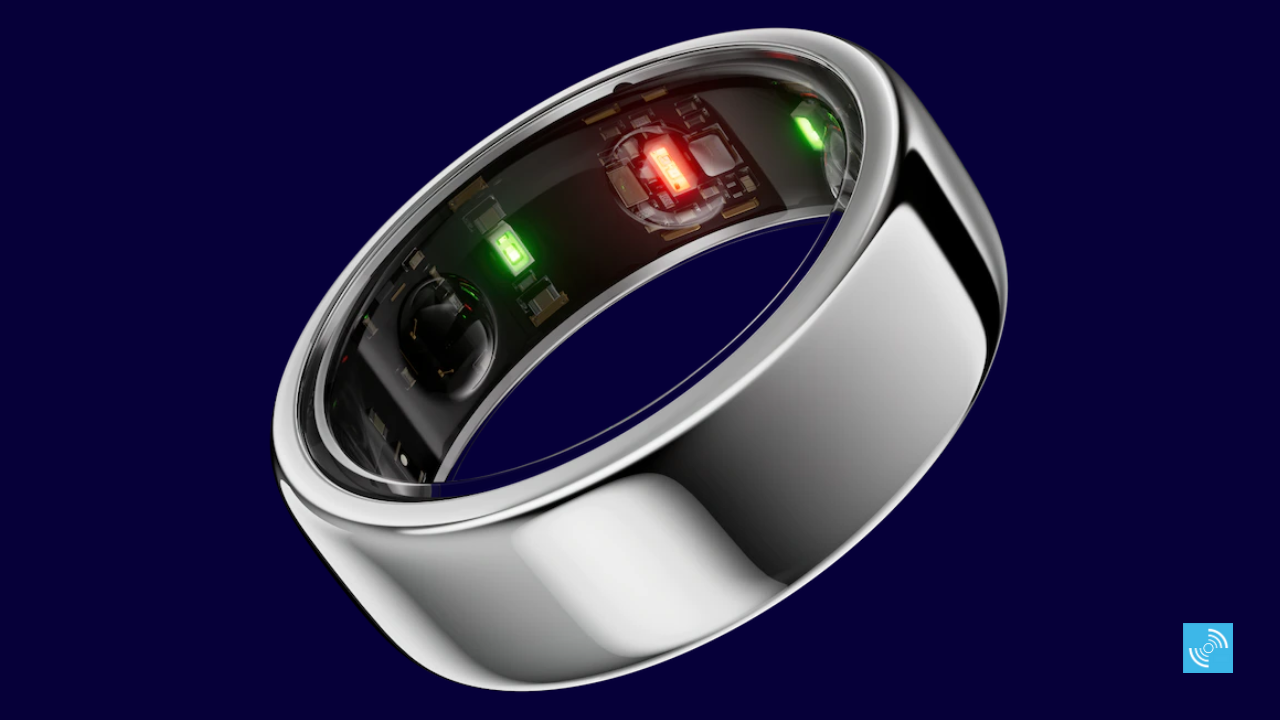
- Sensor malfunctions: Your ring's sensors are not registering activity, heart rate, or other health metrics.
Step 1: Check Your Internet Connection
Make sure your smartphone or tablet has a stable internet connection. Sometimes, a simple reboot of your Wi-Fi router can resolve connectivity issues. You can also try restarting your router or modem to reset your network settings. Check your internet speed and ensure it's not the cause of your smart ring's connectivity problems.
Step 2: Power and Charge Your Ring
Ensure your smart ring is fully charged or has adequate power to operate. If you're using a battery-powered device, try replacing the battery or charging it for an extended period. If your ring requires a power source, ensure it's properly connected and functioning.
Step 3: Troubleshoot App Issues
Try the following steps to resolve app-related problems:
- Close and reopen the Ring app.
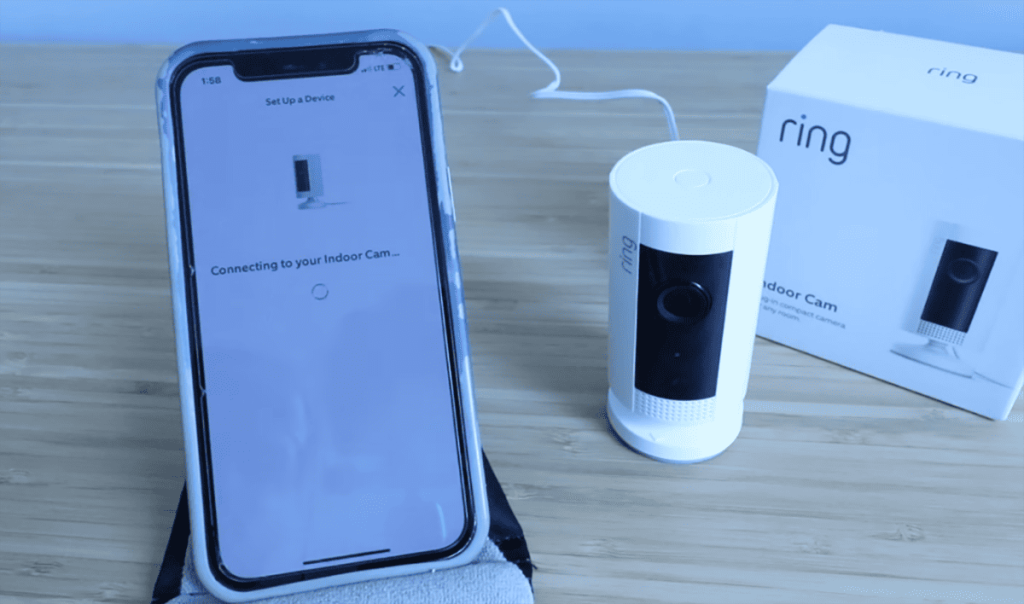
- Reset the app by uninstalling and reinstalling it.
- Clear the app's cache and data.
- Verify that your device has the latest software updates.
- Restart your smartphone or tablet to refresh the app.
Step 4: Check Sensor Malfunctions
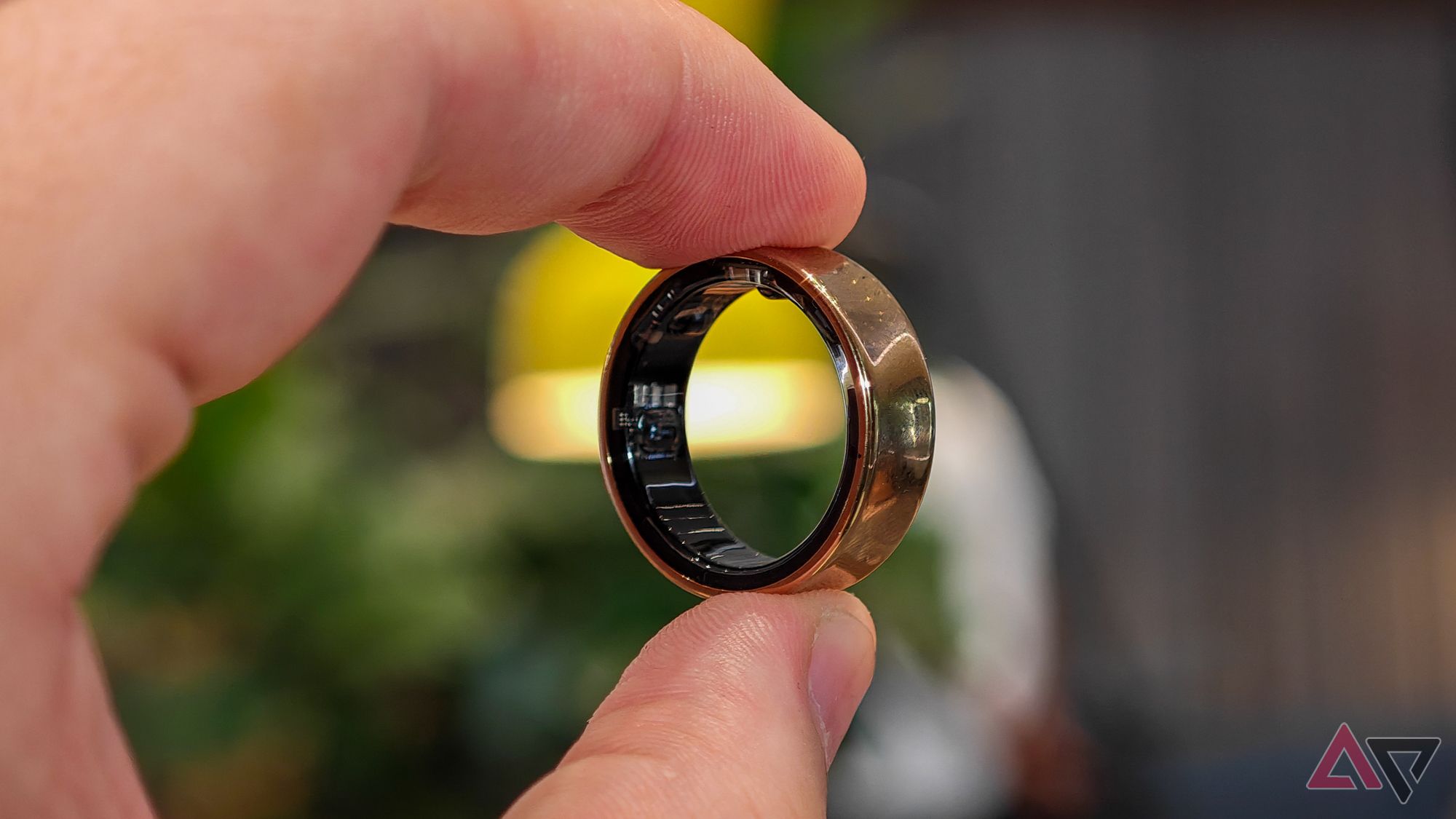
Verify that your ring's sensors are not clogged with debris or damaged. Clean the sensors using a soft cloth and mild soap solution. Restart your ring and check if the issue persists. If your sensor data is still affected, contact the manufacturer's support team for further assistance.
Step 5: Consult the Device's Manual
Refer to your smart ring's user manual or online documentation to see if there are specific troubleshooting steps or solutions provided by the manufacturer. Often, the most detailed instructions will be available on the manufacturer's website or through customer support.
Conclusion: Mastering Your Smart Ring Troubleshooting
With this comprehensive guide, you've learned the systematic approach to troubleshooting the top 5 smart ring issues. Remember, patience and persistence are key to resolving the problem. Don't hesitate to reach out to the manufacturer's support team if the issue persists. By following these troubleshooting steps, you'll be back to enjoying the features and benefits of your smart ring in no time.
How to Reset Your Smart Ring
Resetting your smart ring is a last resort but can be a great solution if none of the above steps resolve the issue. Consult your device's user manual to learn how to reset your specific model. Some common methods involve holding down a button combination, pressing a reset button, or restarting the device in recovery mode.
Conclusion: How to Troubleshoot a Smart Ring
Ensuring that your smart ring works seamlessly is all about adopting the right mindset and having the right tools. Now that you've learned theTop 5 Smart Ring Issues and the systematic approach to troubleshooting, you'll be empowered to take control of your smart ring experience and enjoy the benefits of this wearable technology without frustration.
Speed Up the Troubleshooting Process
Prevent future issues by keeping your smart ring's software up-to-date, regularly cleaning the sensors, and checking your internet and power connections. By following these best practices, you'll save time and reduce the likelihood of experiencing frustrating problems with your smart ring.
Additional Resources and Reminders
For more detailed instructions, consult your device's user manual, online support resources, and manufacturer-provided documentation. Ring Customer Support is also a valuable resource for assistance with your smart ring. By combining the right knowledge, the right tools, and a little patience, you'll master the art of smart ring troubleshooting and get the most out of your device.