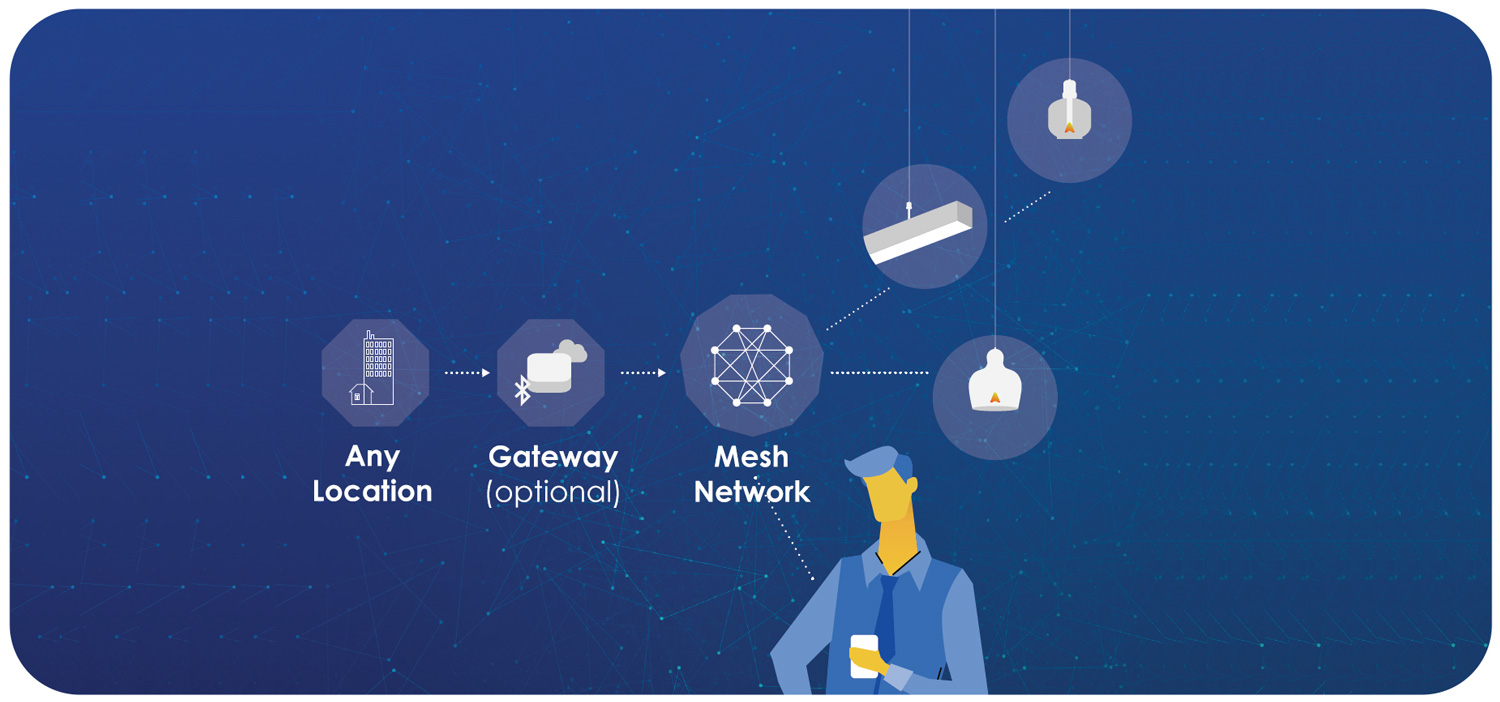
Configuring Wireless Network for Lighting Control
With the increasing demand for smart home technology, configuring a wireless network for lighting control has become a crucial aspect of home automation. In this comprehensive guide, we will walk you through the process of setting up a wireless network for lighting control, exploring various network types, and providing a practical, user-friendly approach to setting up and managing your smart lighting system.
Understanding the Basics of Wireless Lighting Control
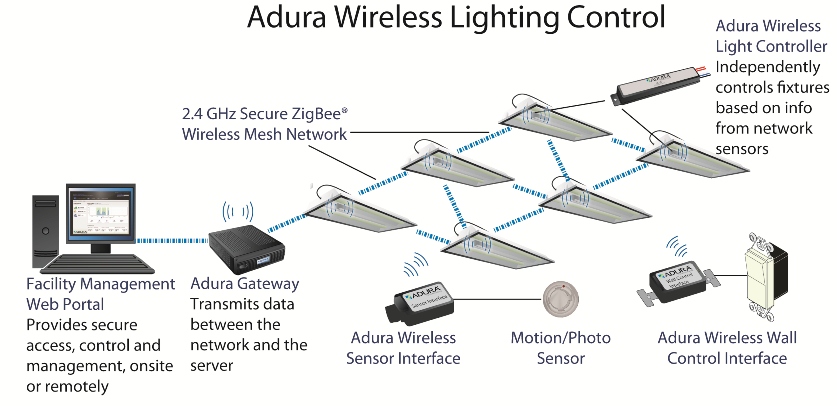
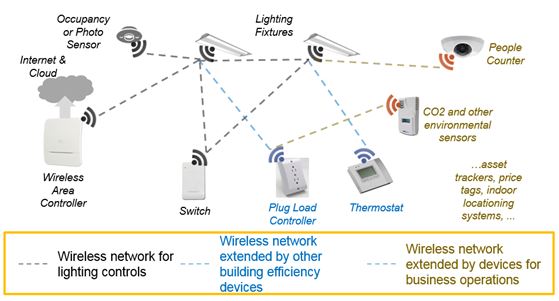
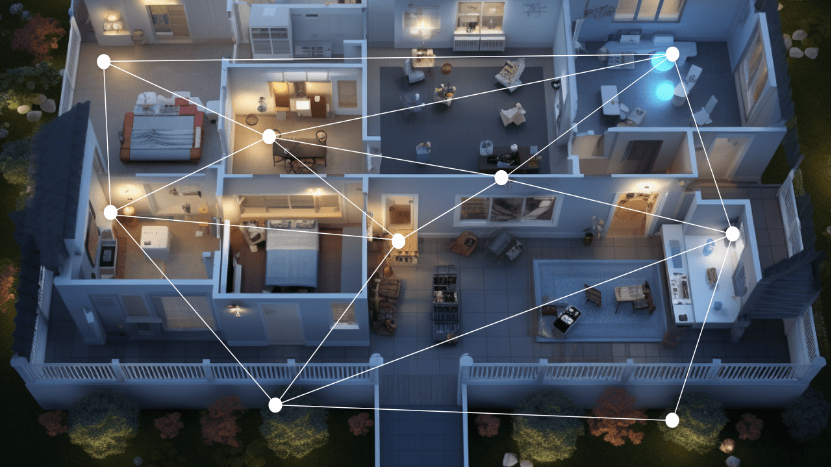
At the heart of wireless lighting control lies the concept of networking devices through radio-frequency (RF) waves, eliminating the need for physical wires. This technology enables seamless communication between lighting control devices, allowing for remote control and automation of lighting systems. To establish a wireless network for lighting control, you'll need to choose the right devices and set up a reliable communication standard.
Exploring Network Types: Zigbee, Z-Wave, Wi-Fi, and Bluetooth Mesh
When it comes to wireless lighting control, four primary network types come into play: Zigbee, Z-Wave, Wi-Fi, and Bluetooth Mesh. Each has its strengths and weaknesses, making it essential to choose the one that best fits your needs:
- Zigbee: A popular choice for smart home applications, Zigbee offers a low-power consumption and compatibility with various devices.
- Z-Wave: Another popular choice, Z-Wave focuses on home automation and provides a robust communication protocol.
- Wi-Fi: Utilizing your home's existing Wi-Fi network, Wi-Fi solutions offer flexibility and wide compatibility.
- Bluetooth Mesh: A newer standard, Bluetooth Mesh provides robust networking capabilities for large-scale deployments.
Setting Up a Wireless Lighting Control System
To set up a wireless lighting control system, follow these steps:
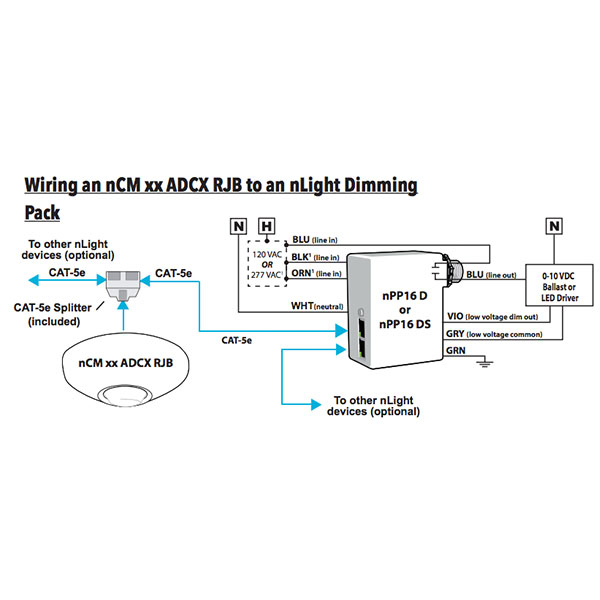
- Choose Your Devices: Select the lighting control devices and sensors suitable for your system, ensuring compatibility with the chosen network type.
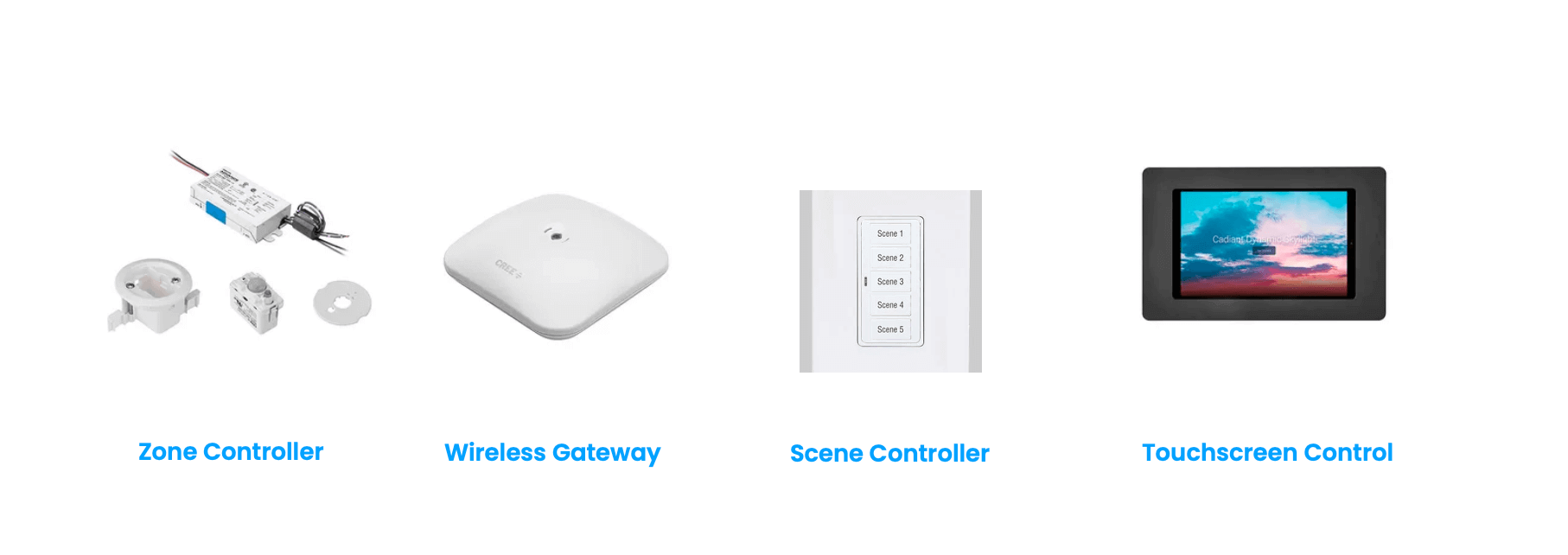
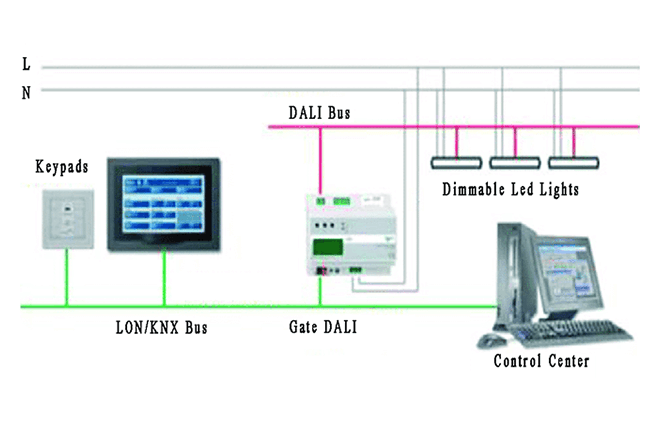
- Set Up Your Hubs: Install your hubs or central devices, which will serve as the nerve center for your wireless lighting control system.
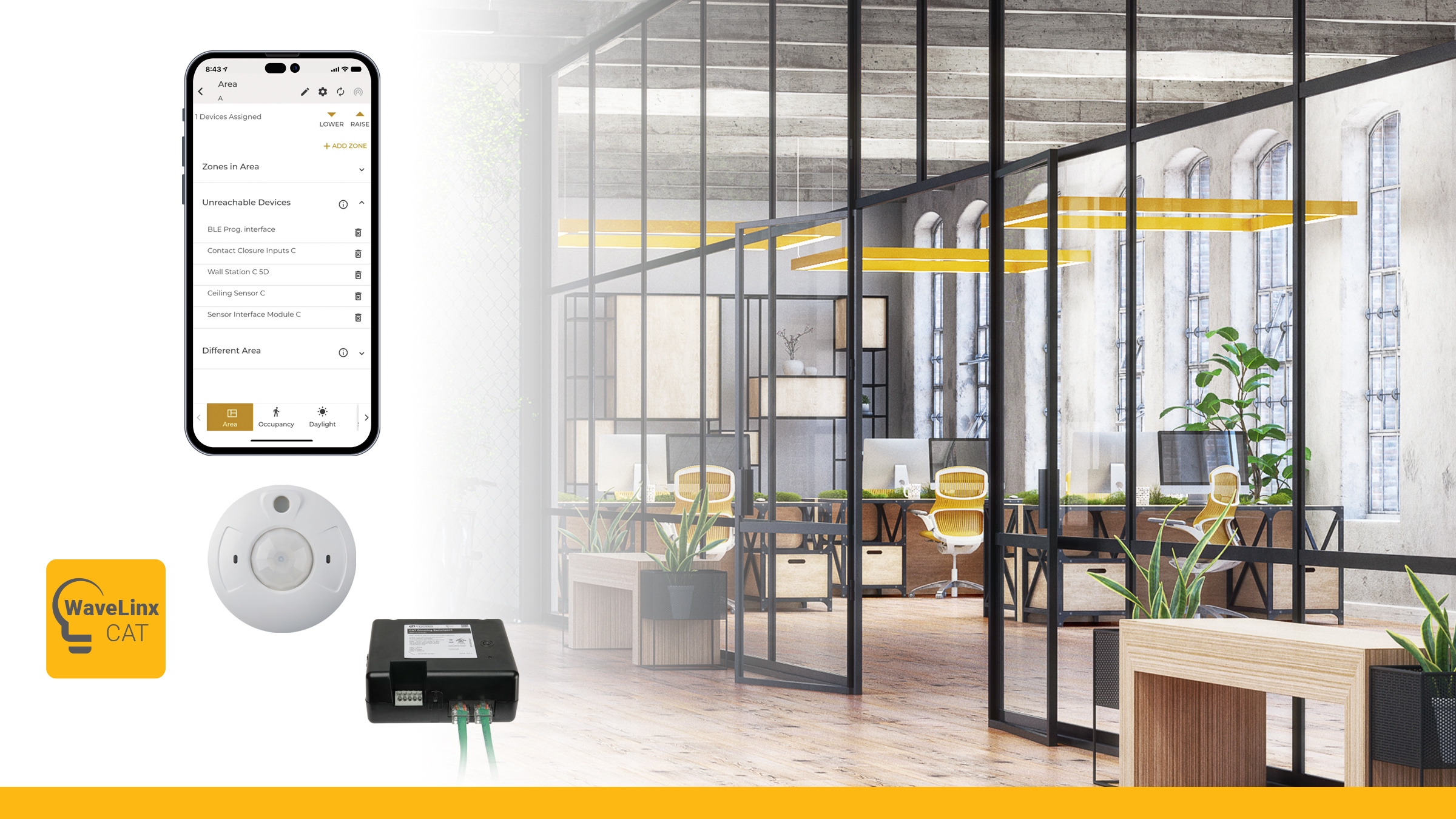
- Configure Your Devices: Using software provided by the manufacturer, configure your devices to connect to the wireless network and communicate with the hubs.
- Test and Refine: Perform thorough testing to ensure seamless communication between devices and refine the system as needed.
Popular Solutions for Wireless Lighting Control

When selecting a wireless lighting control system, consider the following popular solutions:
- Philips Hue: A well-established smart lighting brand offering a range of wireless lighting control solutions.
- LEDMANAGE: A smart lighting control system using Zigbee and Bluetooth Mesh protocols for reliable communication.
- SmartThings: A popular smart home platform offering wireless lighting control capabilities through various network types.
Accessories and Integrations for Enhanced Wireless Lighting Control
To expand the capabilities of your wireless lighting control system, consider the following accessories and integrations:
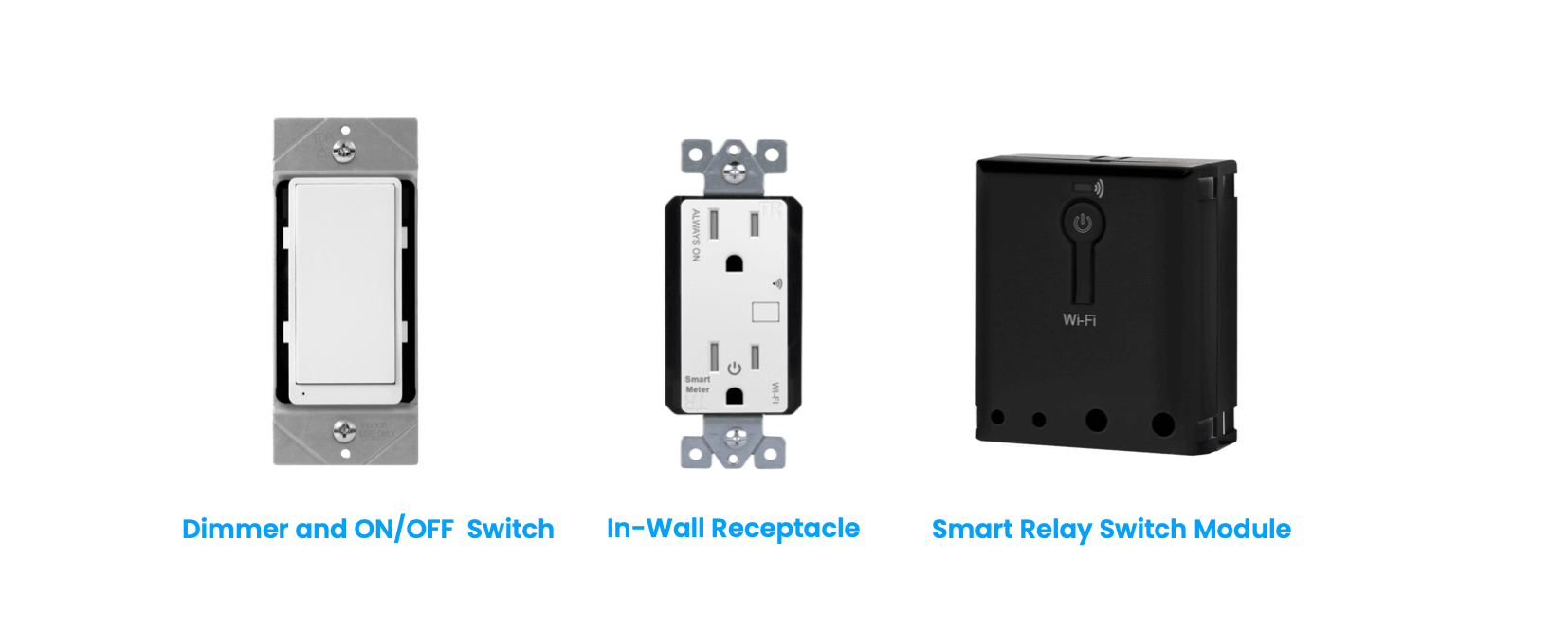
- Wall Switches: Install wall switches with wireless control capabilities to create a seamless user experience.
- Remote Controls: Explore remote controls with touchscreen interfaces for easy device access.
- Smart Home Integrations: Integrate your wireless lighting control system with popular smart home platforms for enhanced functionality.
Troubleshooting and Maintenance for Wireless Lighting Control
When troubleshooting or maintaining your wireless lighting control system, follow these steps:
- Restart Devices: Restart devices to resolve connectivity issues.
- Update Software: Regularly update software to ensure optimal performance and fix bugs.
- Monitor Network Health: Monitor network health to detect issues promptly.
- Consult Support: Reach out to manufacturer support for guidance on resolving complex issues.