Installing 6G Router: A Comprehensive Guide
The rise of Wi-Fi 6E and Wi-Fi 7 technologies has brought about a new era of high-speed internet connectivity. With the introduction of the 6 GHz frequency band, these technologies offer faster speeds, better coverage, and lower latency. However, installing a 6G router requires careful consideration and a step-by-step approach.
Choosing the Right 6G Router
When selecting a 6G router, it's essential to consider your specific needs and requirements. Look for a router that supports Wi-Fi 7, Wi-Fi 6/6E, and WPA3 encryption. Make sure to check the documentation that came with the router or visit the manufacturer's website to confirm its compatibility with your device.
- Wi-Fi 7: The latest Wi-Fi standard provides faster speeds and better performance.
- Wi-Fi 6/6E: These technologies offer improved speeds and coverage, particularly in the 6 GHz frequency band.
- WPA3 encryption: The latest security standard provides better protection against unauthorized access and public WiFi scenarios.
Hardware Installation
Before installing your 6G router, ensure you have all the necessary equipment and follow the manufacturer's instructions. Here's a general guide for the installation process:
1. Unpack the router and its accessories, including the power cord, Ethernet cables, and antenna.
2. Configure your modem and power up the router. Connect the modem to the router using an Ethernet cable.
3. Install the antenna and ensure it is securely fastened.
4. Connect your device to the router using WiFi or an Ethernet cable.
Software Configuration
Once you have installed your 6G router, you'll need to configure it using the manufacturer's software or app. Here's a general guide for the software configuration process:
1. Download and install the manufacturer's app or software.

2. Launch the app and follow the on-screen instructions to connect to the router.
3. Configure your WiFi settings, including the SSID, password, and encryption type.
4. Set up your router's security settings, including firewall and guest network configurations.
Troubleshooting Tips
After installing and configuring your 6G router, you may encounter some issues. Here are some troubleshooting tips to help you resolve common problems:
- Check your router's settings and configuration to ensure it is connected to your modem and device.
- Restart your router to refresh its connection and settings.
- Update your router's firmware to the latest version.
- Check for physical obstructions and interference that may be affecting your WiFi signal.
Conclusion
Installing a 6G router requires careful consideration and a step-by-step approach. By choosing the right router, following the manufacturer's instructions, and configuring your router's software, you can enjoy faster speeds, better coverage, and lower latency. Remember to troubleshoot common issues and update your router's firmware regularly to ensure optimal performance.
With the rise of Wi-Fi 6E and Wi-Fi 7 technologies, high-speed internet connectivity is becoming more accessible. By following this comprehensive guide, you can install and configure your 6G router with confidence and enjoy the benefits of faster internet speeds.
Recommended 6G Routers
Here are some of the top-rated 6G routers available in the market:
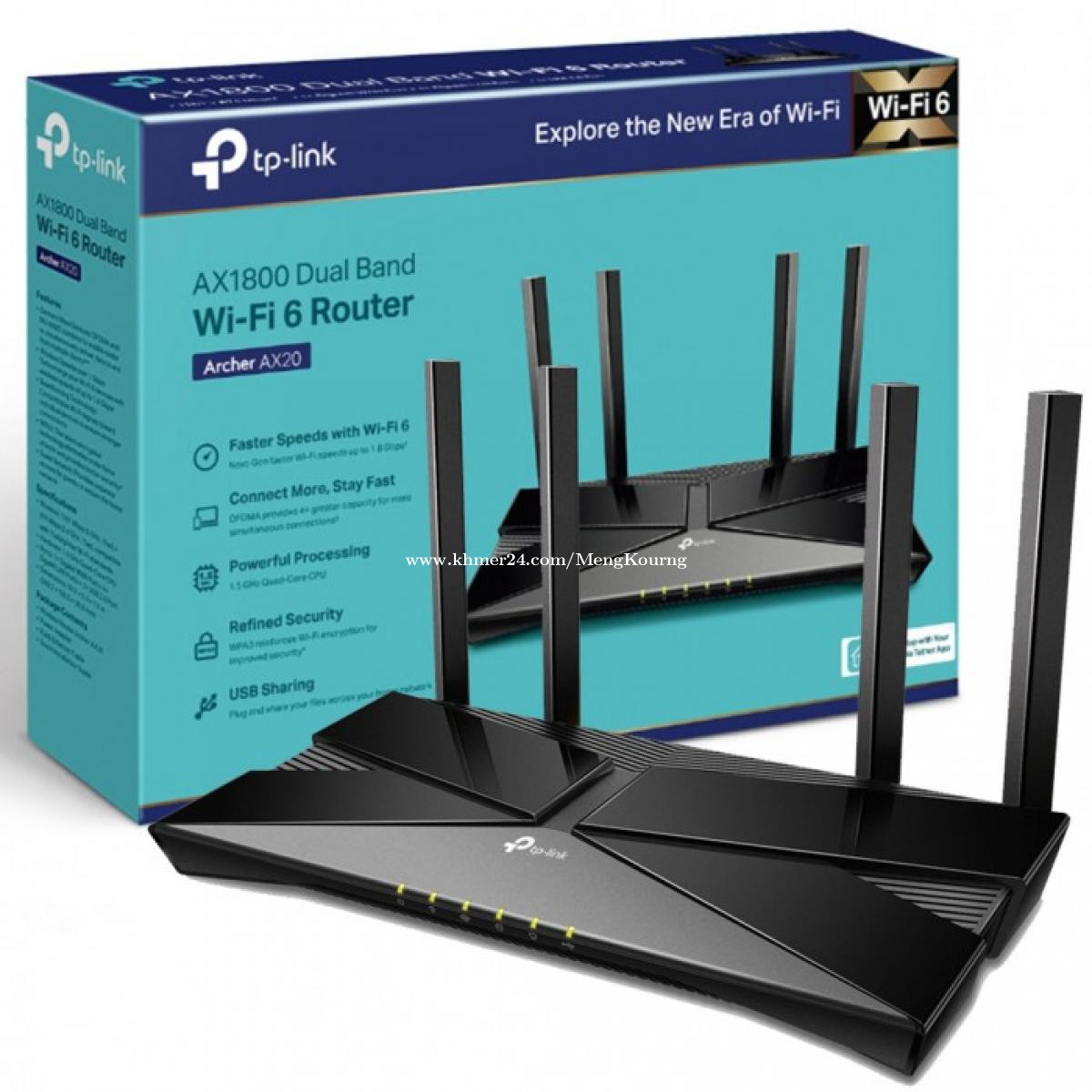
- Archer AXE75 WiFi 6ERouter
- Archer AX3000 WiFi 6Router
- Nighthawk RAXE300 WiFi 6ERouter
- Optus Ultra WiFi Modem (Gen 2)
When selecting a 6G router, consider your specific needs and requirements. Look for a router that supports Wi-Fi 7, Wi-Fi 6/6E, and WPA3 encryption. Check the manufacturer's website for compatibility and user reviews to ensure the best performance and value for your investment.