Setting Up the Perfect Network Configuration for Wireless Networks
With the rise of wireless connectivity, setting up a reliable and efficient wireless network has become an essential task for both home and office environments. However, navigating through the complex world of network configuration can be daunting, especially for those who are not tech-savvy. In this article, we will guide you through the process of setting up the perfect network configuration for wireless networks, covering the essential steps, tips, and best practices to ensure seamless connectivity.
Understanding the Basics of Wireless Networks
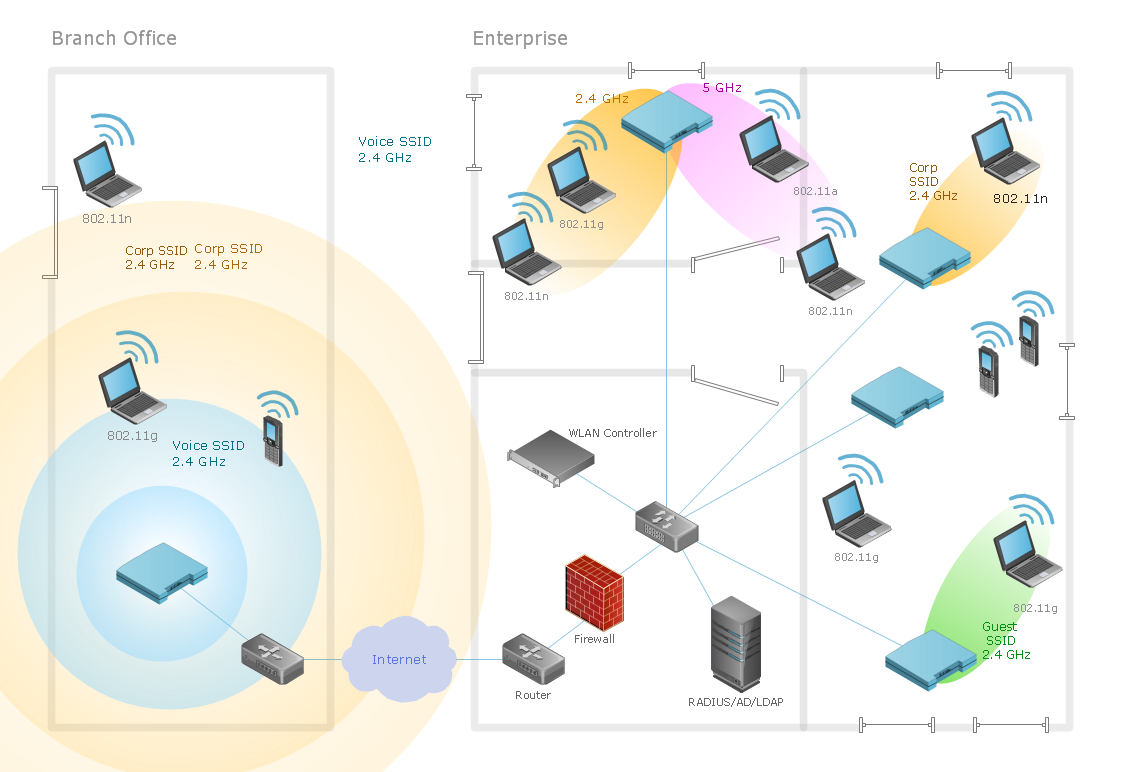
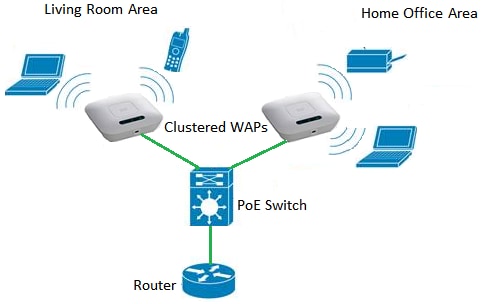
A wireless network, also known as a Wi-Fi network, allows devices to connect to the internet or communicate with each other without the use of physical cables. To set up a wireless network, you will need a router, which acts as the central device that connects all devices to the internet. The router will need to be configured to create a network name (SSID), set up a password, and assign IP addresses to devices that connect to the network.
Modems and Internet Connections
Before you start setting up your wireless network, you will need to ensure that you have a stable internet connection. This typically involves connecting your modem to your router using an Ethernet cable. The modem will then provide a connection to the internet, which can be accessed by all devices connected to your wireless network.
Network Configuration for Wireless Network
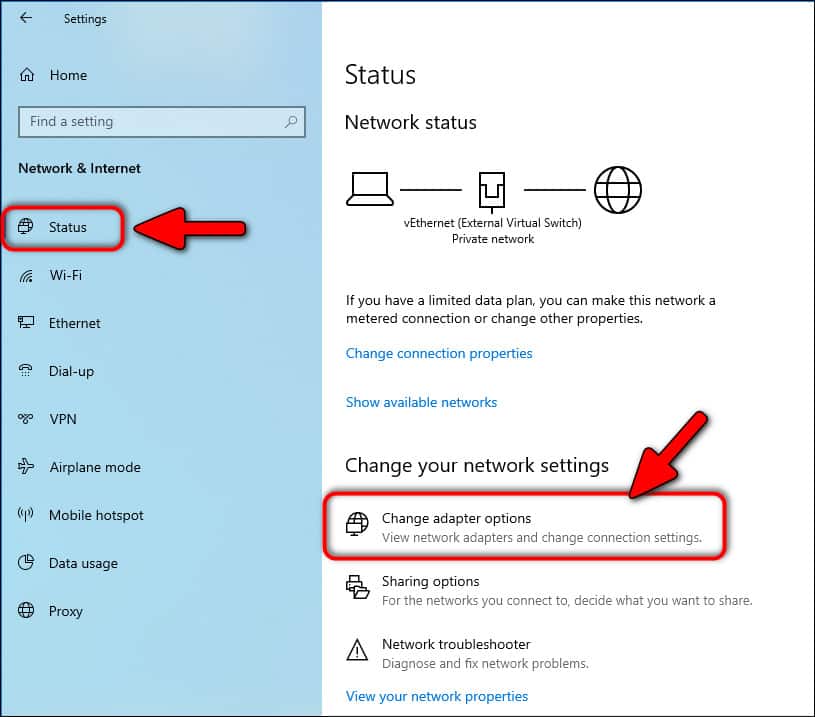
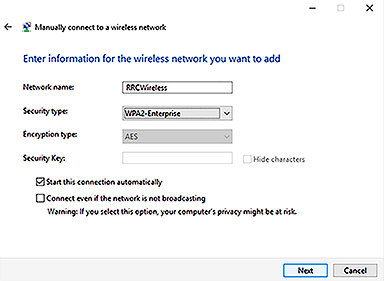
Once you have a stable internet connection, you can start setting up your wireless network. This involves configuring your router to create a network name (SSID) and set up a password. You will also need to assign IP addresses to devices that connect to the network. This can be done manually or automatically using the Dynamic Host Configuration Protocol (DHCP).
Securing Your Wireless Network
Securing your wireless network is crucial to prevent unauthorized access and ensure the integrity of your network. You can do this by setting up a strong password, using WPA2 encryption, and enabling firewall settings. It is also essential to regularly update your router's firmware and software to ensure you have the latest security patches and features.

Sharing Files and Printers
Once you have set up your wireless network, you can start sharing files and printers between devices. This can be done using a network file sharing protocol such as SMB (Server Message Block) or AFP (Apple Filing Protocol). You can also use a network printer sharing protocol such as LPR (Line Printer Remote) or IPP (Internet Printing Protocol).
Setting Up a Wireless Network in Your Home
Setting up a wireless network in your home can be a straightforward process if you follow the right steps. You will need to connect your router to your modem using an Ethernet cable, configure your router to create a network name and password, and assign IP addresses to devices that connect to the network. You can also use a network management tool to monitor and troubleshoot your network.
Conclusion
Setting up the perfect network configuration for wireless networks requires careful planning and execution. By following the steps outlined in this article, you can create a reliable and efficient wireless network that meets your needs. Remember to secure your network, share files and printers, and regularly update your router's firmware and software to ensure the integrity of your network.
Additional Tips and Best Practices
Here are some additional tips and best practices to keep in mind when setting up your wireless network:
- Use a strong password and WPA2 encryption to secure your network.
- Regularly update your router's firmware and software to ensure you have the latest security patches and features.
- Use a network management tool to monitor and troubleshoot your network.
- Use a guest network to isolate guests from your main network.
- Use Quality of Service (QoS) settings to prioritize critical applications and ensure smooth network performance.