Actiontec WiFi Router Firmware Update: A Comprehensive Guide
Your Actiontec WiFi router, like any other networking device, requires regular firmware updates to ensure seamless functionality and optimal performance. In this article, we'll walk you through the process of updating your Actiontec WiFi router's firmware, covering the necessary steps and precautions to avoid complications.
Why Update Actiontec WiFi Router Firmware?
- Security Enhancements: Regular firmware updates patch vulnerabilities, ensuring your network remains secure from potential threats.
- Performance Improvements: New firmware releases often include performance enhancements, optimizing your router's speed and efficiency.
- Feature Updates: Firmware updates can add new features, such as improved parental controls, guest networking, or Quality of Service (QoS) settings.
Pre-Requisites for Actiontec WiFi Router Firmware Update
Before you embark on the update process, ensure you have the following:
- Access to your router's web interface through a web browser.
- A computer or mobile device connected to your network.
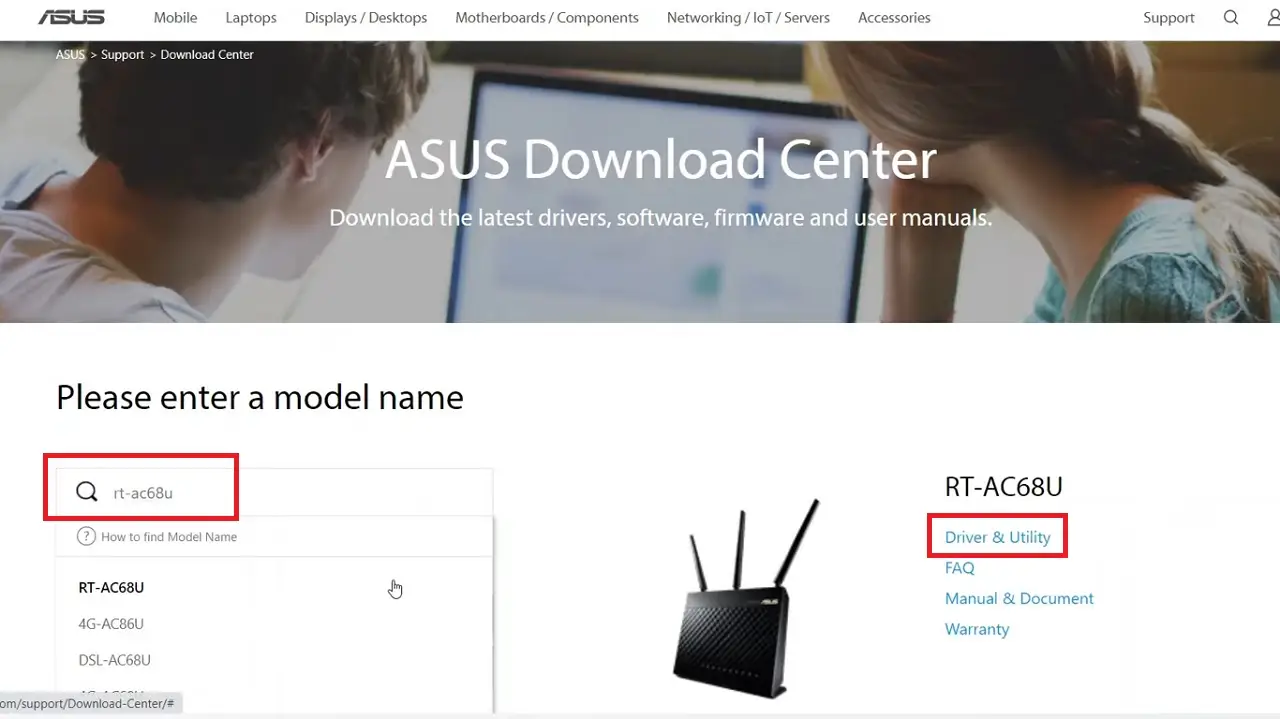
- The latest firmware file downloaded from the official Actiontec website.
Step-by-Step Actiontec WiFi Router Firmware Update Guide
Follow these step-by-step instructions to update your Actiontec WiFi router's firmware:
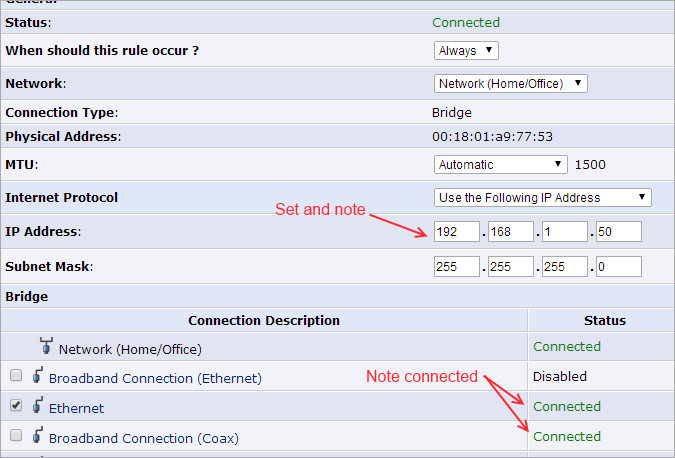
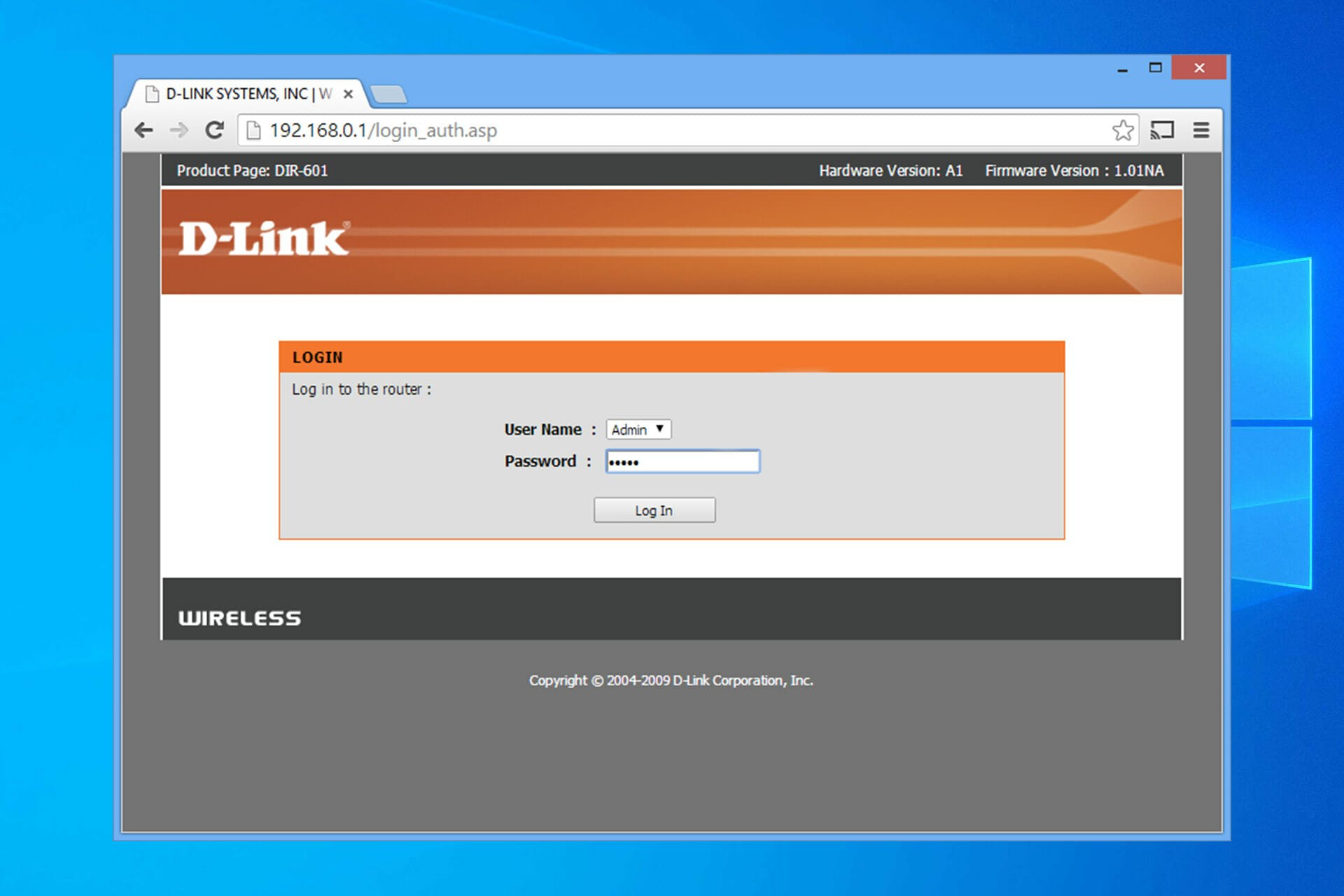
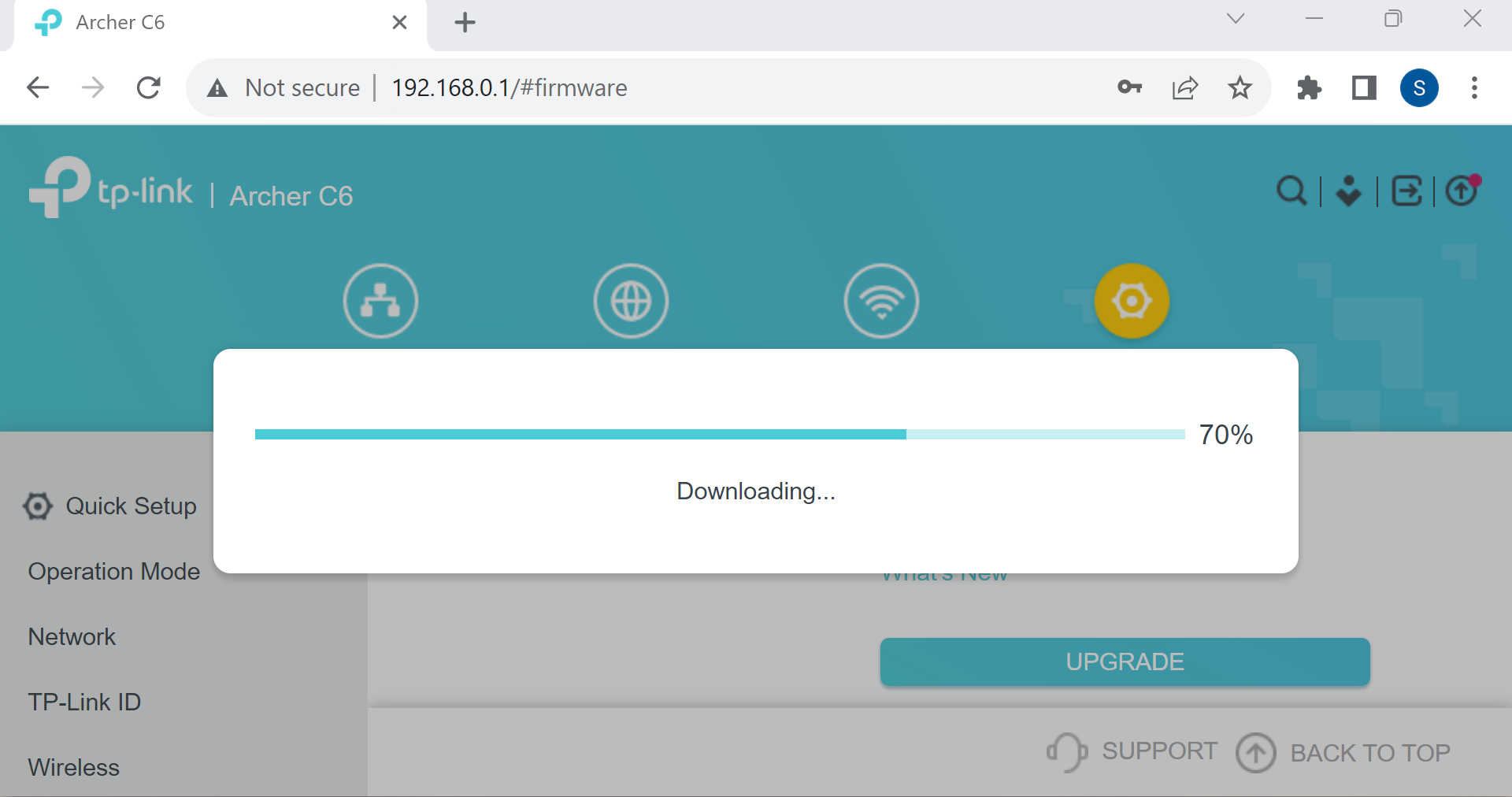
- Login to your router's web interface by typing its IP address in the browser's address bar (usually
192.168.0.1or192.168.1.1). - Navigate to the Firmware Upgrade or System Update section.
- Choose the firmware file you downloaded from the Actiontec website and click Upgrade or Install.
- Wait for the update process to complete. Do not interrupt or restart your router during this time.
- Once the update is complete, reboot your router to apply the changes.
Alternative Method: Automatic Firmware Update
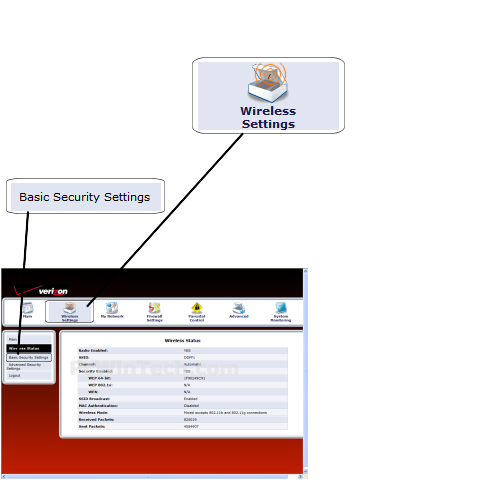
Some Actiontec WiFi routers, especially those from newer models, allow automatic firmware updates. To enable this feature:
- Log in to your router's web interface.
- Navigate to the Advanced or Administration section.
- Look for the Firmware Update or System Update option and enable automatic updates.
Keep in mind that enabling automatic updates may also prompt your router to download and install new firmware without your explicit consent.
Common Issues and Troubleshooting
Encountering issues during the update process? Here are some common problems and their solutions:
- Update fails: Restart your router and try again.
- Router not recognized: Ensure your router's firmware is compatible with your device.
- Internet connection drops: Restart your router and modem, then reattempt the update.
Conclusion
Updating your Actiontec WiFi router's firmware is an essential task to ensure optimal performance, security, and feature upgrades. By following the steps outlined in this article, you'll be able to keep your router up-to-date and running smoothly.