Wireless Router Setup: Expert Guide to 6th Generation Wireless Routers
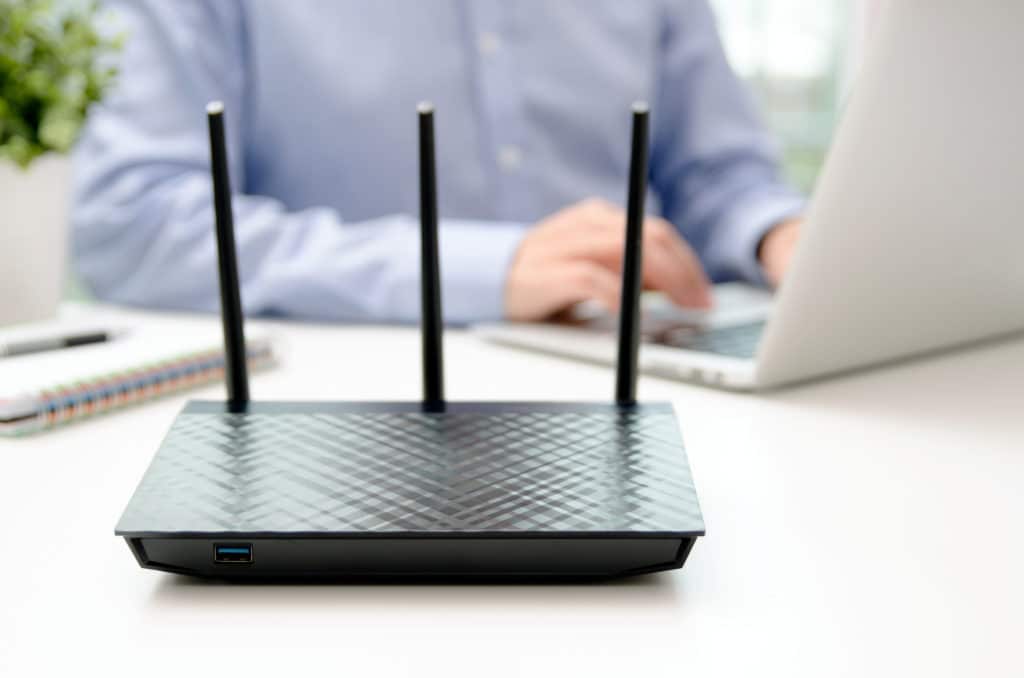
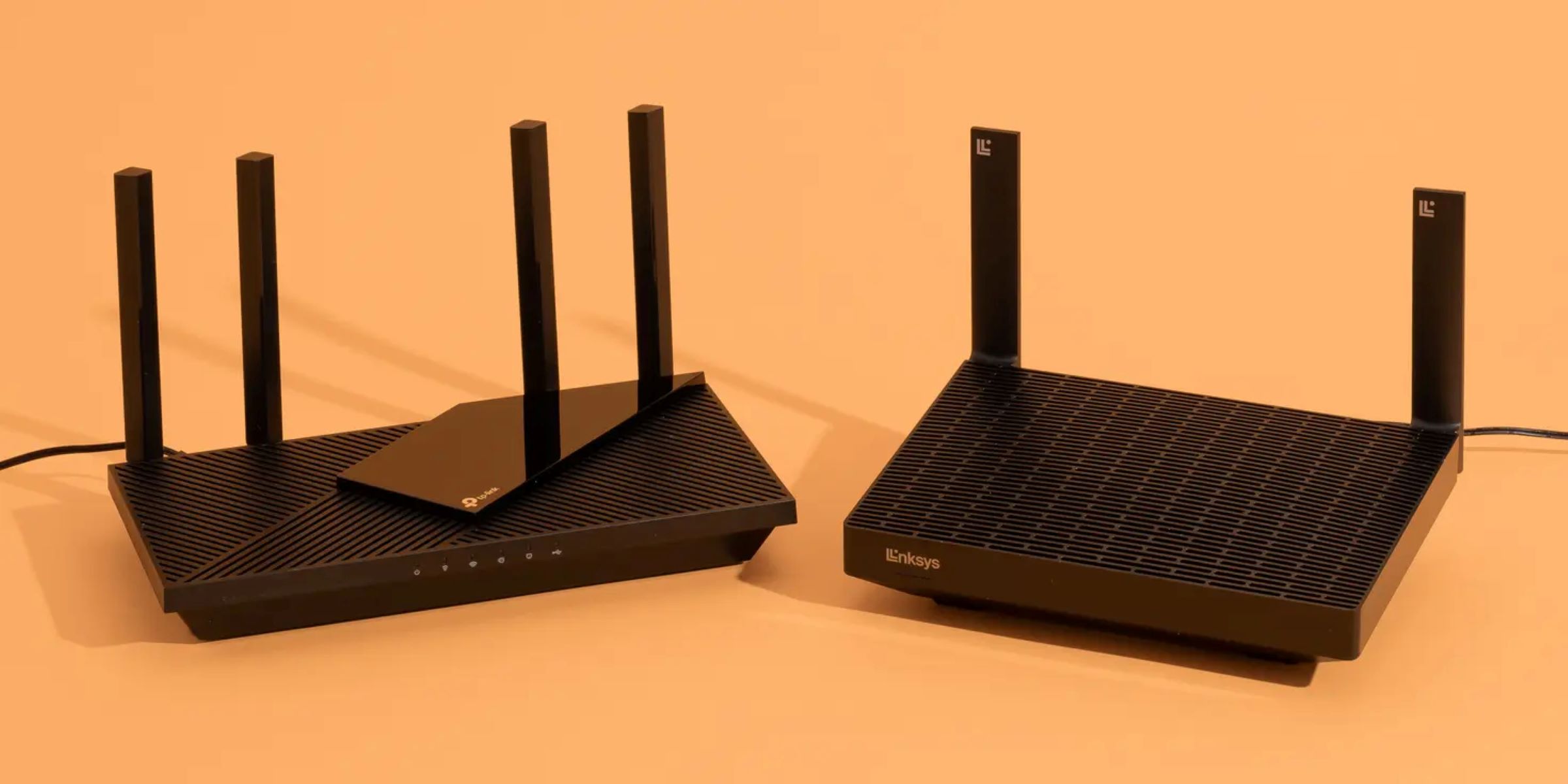
With the increasing demand for high-speed internet and wireless connectivity, wireless routers have become an essential component of modern homes and offices. The 6th generation wireless routers, also known as Wi-Fi 6, offer faster speeds, improved range, and enhanced security features. In this article, we will guide you through the process of setting up a 6th generation wireless router and explore its benefits.
What is Wi-Fi 6?
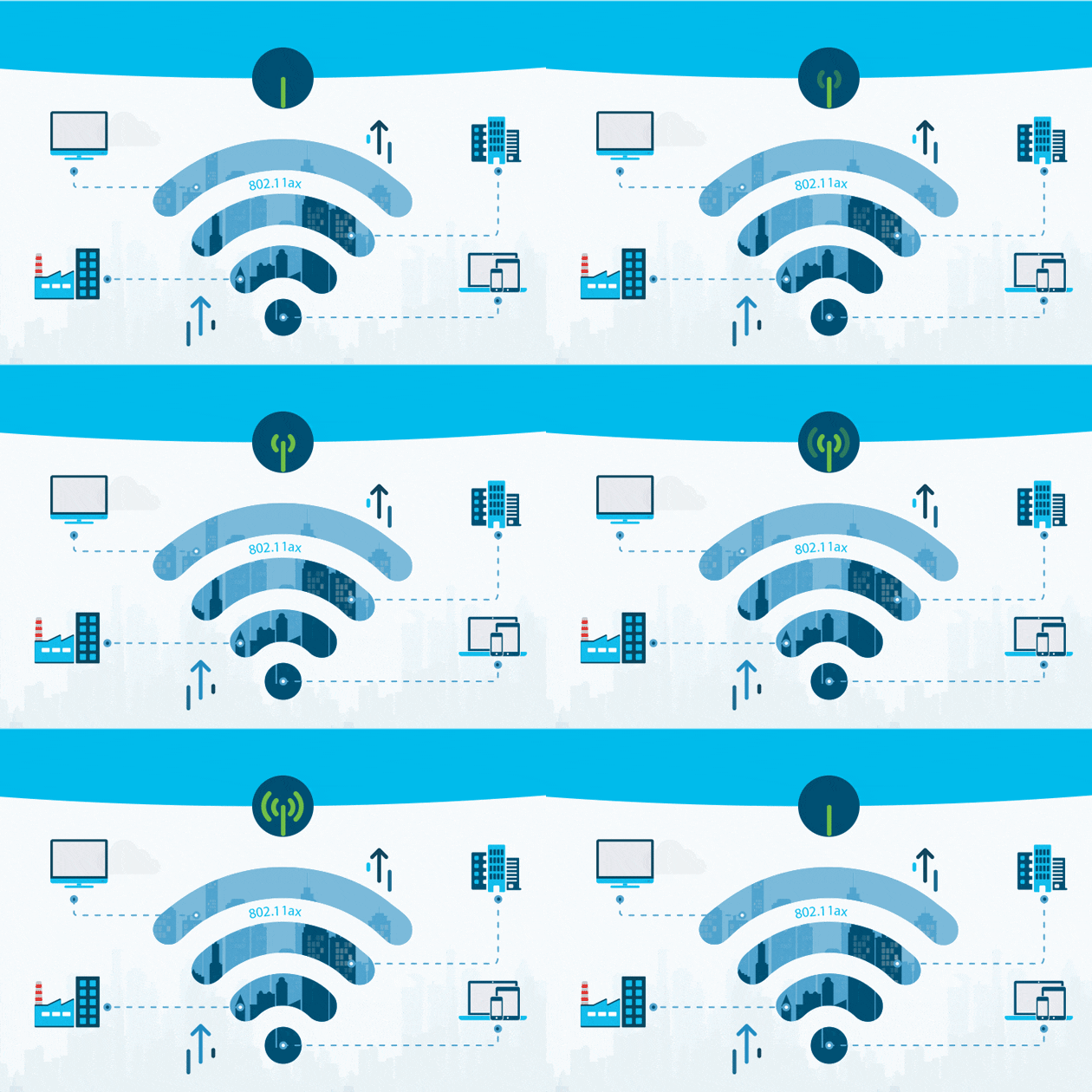
Wi-Fi 6 is the latest wireless standard, also known as the 802.11ax standard, which offers faster data transfer rates, improved performance, and increased capacity. It is designed to support a large number of devices connected to the network, reducing congestion and improving overall network performance.
Benefits of Wi-Fi 6 Routers
- Improved Speed: Wi-Fi 6 routers offer faster data transfer rates, with speeds of up to 9.6 Gbps.
- Increased Capacity: Wi-Fi 6 routers can support a large number of devices connected to the network, reducing congestion and improving overall network performance.
- Enhanced Security: Wi-Fi 6 routers offer advanced security features, including WPA3 encryption and improved network isolation.
- Improved Range: Wi-Fi 6 routers offer improved range and coverage, ensuring that devices remain connected to the network even in areas with physical barriers.
Wireless Router Setup: Step-by-Step Guide
Setting up a 6th generation wireless router is a relatively straightforward process. Here's a step-by-step guide to help you get started:
Step 1: Unbox and Assemble the Router
Carefully unbox the router and remove any unnecessary packaging materials. Connect the power cord to the router and plug it into a nearby power outlet.
Step 2: Connect the Router to Your Modem
Connect the router's Ethernet cable to the modem's Ethernet port. Ensure that the cable is securely connected to both devices.
Step 3: Connect Your Devices
Connect your devices, such as computers, smartphones, and smart home devices, to the router using Wi-Fi or Ethernet cables.
Step 4: Configure the Router
Using a web browser, navigate to the router's default IP address (usually 192.168.0.1 or 192.168.1.1). Log in to the router's administration interface using the default username and password.
Step 5: Set Up Wireless Settings
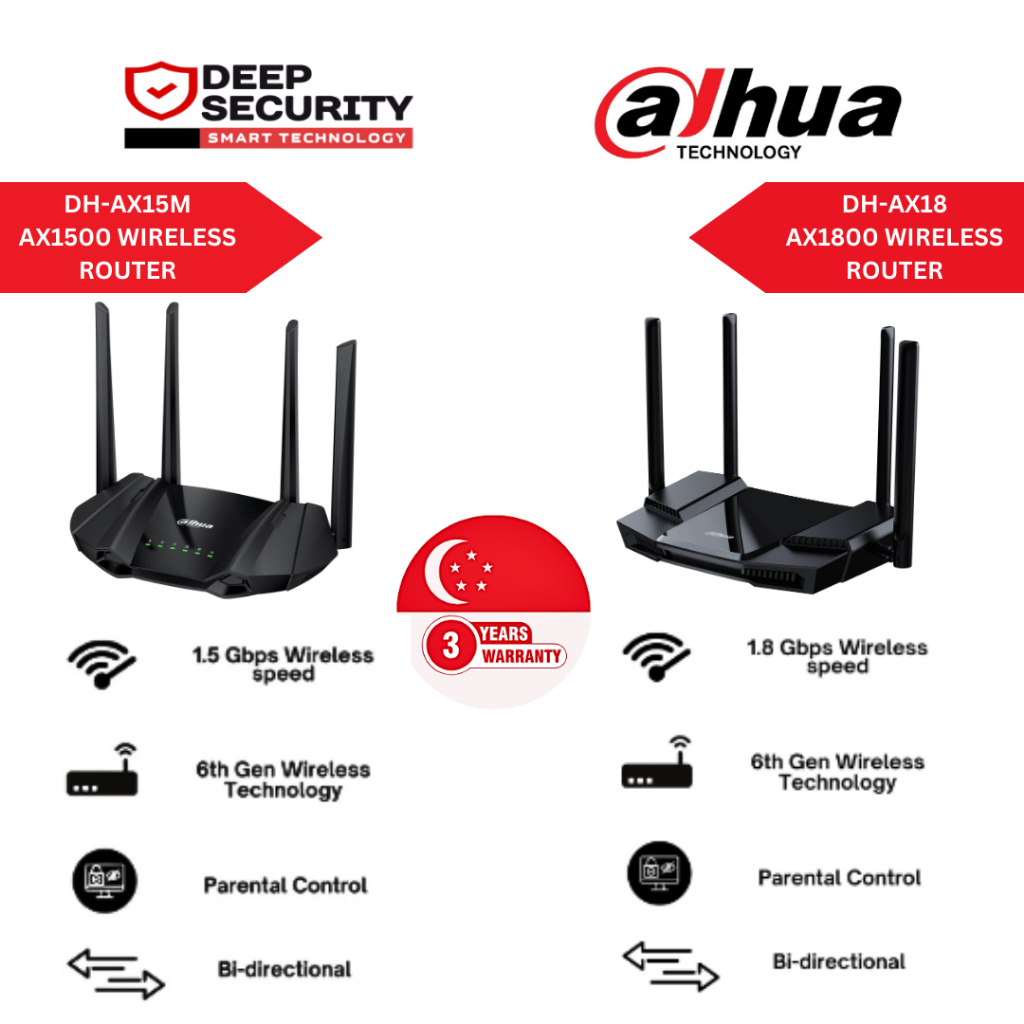
Under the Wireless Settings section, configure the wireless network's channel, frequency, and broadcast name. Ensure that the wireless password is unique and secure.
Step 6: Update Firmware and Settings
Regularly update the firmware and settings of your router to ensure optimal performance and security.
Best Wi-Fi 6 Routers for Home Use
Here are some of the best Wi-Fi 6 routers for home use:
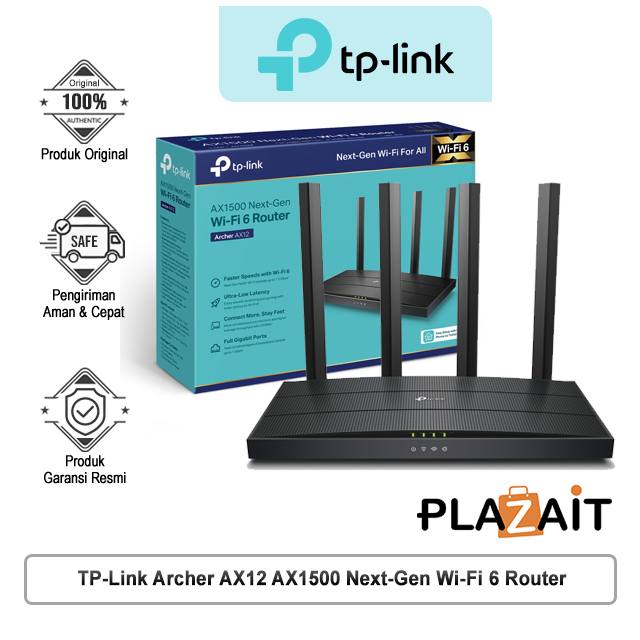
TP-Link Archer AXE75
The TP-Link Archer AXE75 is a high-performance Wi-Fi 6 router that offers fast speeds, improved range, and enhanced security features.
Asus ROG Rapture GT-AC5300
The Asus ROG Rapture GT-AC5300 is a high-end Wi-Fi 6 router that offers fast speeds, improved range, and advanced security features.
Netgear Nighthawk AX8
The Netgear Nighthawk AX8 is a high-performance Wi-Fi 6 router that offers fast speeds, improved range, and enhanced security features.
Conclusion
Setting up a 6th generation wireless router is a relatively straightforward process. By following the step-by-step guide outlined above, you can ensure that your router is properly configured and optimized for optimal performance and security. Remember to regularly update the firmware and settings of your router to ensure optimal performance and security.
Whether you're setting up a new wireless router or upgrading an existing one, the TP-Link Archer AXE75, Asus ROG Rapture GT-AC5300, or Netgear Nighthawk AX8 are excellent options to consider.
By choosing the right Wi-Fi 6 router for your home network, you can enjoy faster speeds, improved range, and enhanced security features, making your online experience more enjoyable and secure.